
If you’ve never sold anything online before, the platform decision comes down to one question that most guides bury under a feature checklist: how fast can you go from zero to a working store without hiring anyone. This guide ranks 6 platforms specifically for that first-timer scenario, not for an existing business formalizing an online presence, which is a different decision covered in a separate guide.
Every platform here handles hosting, security, and checkout automatically, so the only real variable is how much of the setup still depends on you.
In this guide, you’ll learn which platform gets a true beginner to a live, working store fastest, what each one hides behind its easy marketing, and which common beginner mistakes cost more than the platform fee itself.
Key Takeaways
- Shopify remains the fastest path from signup to a live store for a true beginner, with AI-assisted setup that builds a working storefront in minutes, not hours.
- Free or near-free entry points (Ecwid’s free tier, Square Online’s free plan) come with real tradeoffs: Square’s online processing rate is 3.3% plus 30 cents on the free plan, noticeably higher than its own paid tiers.
- WooCommerce is not a true beginner platform despite being frequently recommended for it. It requires separate hosting and basic WordPress comfort, which adds a real setup step most other options on this list skip entirely.
- Squarespace and Wix trade some ecommerce depth for the easiest visual site-building experience, which matters if design confidence is a bigger barrier for you than ecommerce features.
- Platform migration later is possible but genuinely painful. Picking a platform that can grow with a small catalog for at least a year avoids a rebuild before you’ve even found product-market fit.
Quick Comparison
| Platform | Starting Price | Setup Time | Best For |
|---|---|---|---|
| Shopify | $25/month (annual: $23/month) | Under an hour | Fastest path to a real, scalable store |
| Wix | $29/month | Under an hour | Visual design confidence over ecommerce depth |
| Square Online | Free, or $49/month (Plus) | Under an hour | Sellers who also plan to sell in person |
| Squarespace | $36/month (Basic Commerce) | 1-2 hours | Design-first brands with a small catalog |
| Ecwid | Free (5 products), $25/month (Venture) | Under an hour | Adding a store to an existing website |
| BigCommerce | $39/month | 2-4 hours | Beginners planning to scale past a few hundred SKUs quickly |
The Real Decision Factors for a First-Time Seller
Most beginner guides evaluate platforms on the same generic checklist: templates, app marketplace, payment options. Those matter eventually, but they’re not what determines whether you actually launch.
The real first filter is whether the platform requires you to make an infrastructure decision before you can make a product decision.
Shopify, Wix, Square Online, Squarespace, and Ecwid are all fully hosted, meaning there’s no hosting account, no server, no separate SSL certificate to configure.
WooCommerce, by contrast, requires choosing and configuring hosting before you can even install the plugin, which is a real technical decision a true beginner shouldn’t have to make on day one.
The second filter is whether the platform’s free trial or free tier reflects the real cost of running the store, or whether it hides a fee structure that only becomes visible once you’re actually processing sales.
Square Online’s free plan is the clearest example: no monthly fee, but a 3.3% plus 30 cent online processing rate that’s meaningfully higher than what the same platform charges on its $49/month Plus tier.
We evaluated each platform on setup time to a live, working store, whether ongoing technical maintenance falls on the merchant or the platform, and how honestly the platform’s pricing reflects its true beginner-stage cost, cross-referenced against the platforms hub for consistency with our broader platform evaluations.
Shopify: Best for the Fastest Path to a Real, Scalable Store

Shopify’s AI-assisted setup asks a few questions about what you’re selling and builds a working storefront in minutes, which is the closest any platform gets to a genuinely guided first launch. Its built-in app marketplace means a beginner can add features like reviews or email marketing later without switching platforms, which matters since platform migration is one of the most painful mistakes a first-time seller can make.
Key Features
AI-assisted store setup: Shopify Magic and Sidekick generate a basic storefront and product descriptions from a few prompts, cutting the blank-page problem down significantly.
Built-in abandoned cart recovery: Included on every plan, a feature many competitors gate behind a higher tier.
8,000+ app marketplace: Nearly any feature a beginner might want to add later exists as an app, avoiding a platform switch down the line.
Shopify Payments: Native payment processing with no third-party account setup required in supported countries.
Mobile store management: Full admin functionality from the Shopify mobile app, useful for a first-time seller without a dedicated desk setup.
Pros
- The AI setup assistant genuinely reduces the blank-page problem that stalls most first-time store builders.
- The largest app ecosystem of any platform on this list means a beginner won’t hit a feature wall and need to migrate later.
Cons
- At $25/month minimum (Basic plan), it’s not the cheapest entry point if budget is the dominant constraint.
- The 2% transaction fee on the Basic plan applies unless you use Shopify Payments, an easy detail for a beginner to miss.
Who It’s Best For
First-time sellers with physical products who want a platform that won’t need replacing as the store grows past its first few hundred orders.
Pricing
Basic plan is $25/month billed monthly or $23/month billed annually, with a 2% transaction fee on external payment gateways, waived when using Shopify Payments.
Wix: Best for Visual Design Confidence
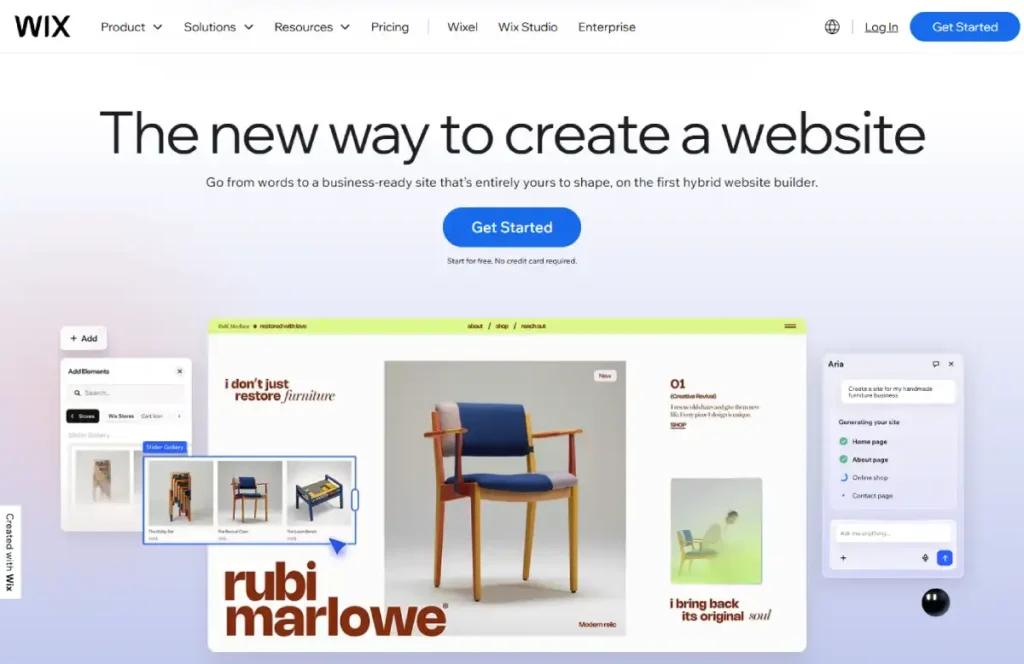
Wix’s drag-and-drop editor is genuinely the easiest visual builder on this list, which matters most for a beginner whose biggest hesitation is not knowing how to make a store look professional. Its ecommerce features are real but shallower than Shopify’s, a tradeoff that’s fine for a small catalog and less fine once inventory complexity grows. See our full Wix review for a deeper look at its design tools.
Key Features
Drag-and-drop visual editor: The most intuitive layout control of any platform on this list, with real-time preview across devices.
800+ templates: A large enough library that most beginners find something close to their vision without customization.
Wix Payments: No transaction fees when using Wix’s native payment processing.
Unlimited products: No product cap on any business plan, removing an early growth constraint.
Built-in marketing tools: Email campaigns and basic SEO settings included without a separate app.
Pros
- The easiest visual editor for a beginner with zero design background to produce a professional-looking result.
- No transaction fees when using Wix Payments, keeping early-stage costs predictable.
Cons
- Inventory management stays basic even on higher plans, a real constraint once a catalog grows past a small collection.
- Migrating away from Wix later is notably difficult compared to other platforms on this list, a real lock-in risk if the business outgrows it.
Who It’s Best For
Beginners selling a small, curated catalog who value visual polish and ease of design over deep ecommerce functionality.
Pricing
Business plans start at $29/month, with no transaction fees via Wix Payments.
Square Online: Best for Sellers Also Planning In-Person Sales
Square Online’s free plan is a genuine zero-cost way to test whether a product sells, with the catch that its online processing rate on that free tier, 3.3% plus 30 cents, is higher than its own paid tiers charge. For a beginner who also plans to sell at a market stall, pop-up, or physical counter alongside the online store, Square’s unified POS and online system avoids running two disconnected sales channels.
Key Features
Unified online and in-person sales: A single dashboard tracks inventory and orders across both channels, avoiding the double-entry problem separate systems create.
Free plan with no monthly fee: A genuine no-cost way to launch and validate a product before committing to a subscription.
No chargeback fees: Unlike most payment processors, Square doesn’t charge an additional fee when a customer disputes a transaction.
Built-in POS hardware options: A free card reader is available for beginners who also plan to sell face-to-face.
Simple, logical product setup flow: A more structured, if less flexible, setup process than a true drag-and-drop builder.
Pros
- Genuinely free to start, with no monthly fee gating the core online store and payment functionality.
- The unified in-person and online sales dashboard is a real advantage for any beginner planning to sell both ways.
Cons
- The free plan’s 3.3% plus 30 cent online processing rate is one of the higher rates among platforms on this list; it’s worth calculating the real cost at your expected sales volume before assuming free is cheapest.
- The store builder lacks true drag-and-drop flexibility compared to Wix or Squarespace.
Who It’s Best For
Beginners who expect to sell both online and in person, such as at markets or pop-ups, and want one system instead of two disconnected ones.
Pricing
Free plan available with no monthly fee (3.3% + $0.30 per online transaction). Plus plan is $49/month per location (2.9% + $0.30 online).
Squarespace: Best for Design-First Brands with a Small Catalog
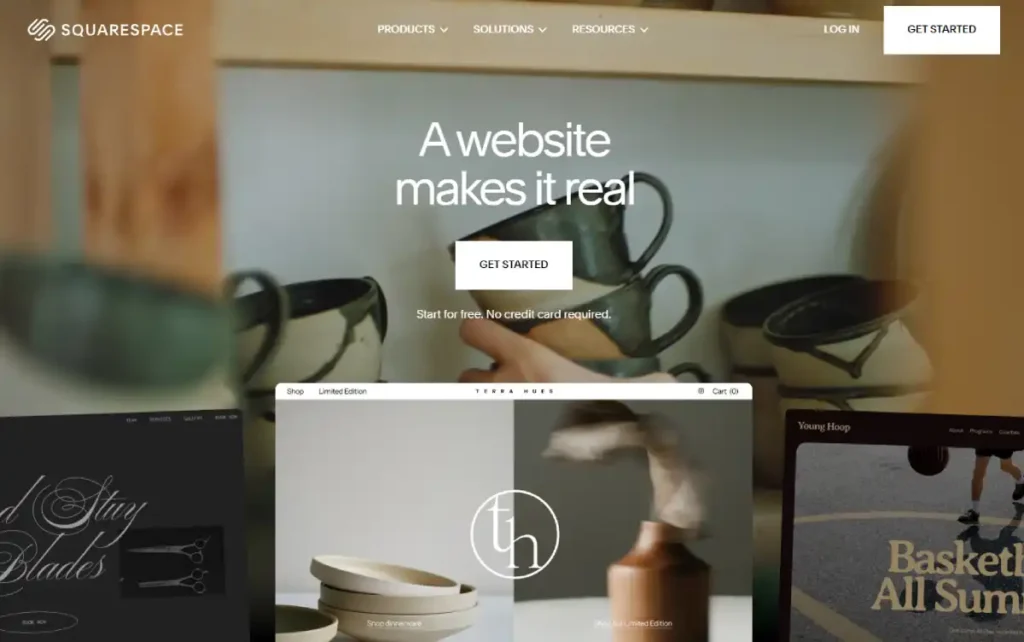
Squarespace’s template quality is the best-in-class reason to choose it: even a beginner with zero design sense produces a store that looks professionally built. Its ecommerce features are genuinely more limited than Shopify’s, capping product variants at 3 options and offering a smaller app ecosystem, which matters once a catalog grows past a tightly curated collection.
Our Squarespace review covers its template library and design tools in more depth.
Key Features
Best-in-class template design: Templates that look agency-built out of the box, requiring minimal customization to look professional.
Built-in blog integration: A genuinely strong content tool for a beginner planning to build an audience alongside a store.
Clean, beginner-friendly dashboard: One of the least overwhelming admin interfaces on this list.
Squarespace Payments: Native processing with 0% platform transaction fees on Commerce plans.
Portfolio-style product pages: Particularly strong for visually driven products like art, photography, or fashion.
Pros
- The best template quality of any platform on this list, a real advantage for a beginner without design skills.
- Zero platform transaction fees on Commerce plans when using Squarespace Payments.
Cons
- Product variants are capped at 3 options, a real constraint for beginners selling items with multiple size and color combinations.
- The app and integration ecosystem is meaningfully smaller than Shopify’s, limiting how far the store can grow without hitting a feature wall.
Who It’s Best For
Design-conscious beginners with a small, curated catalog, particularly in visually driven categories like art, fashion, or photography.
Pricing
Basic Commerce is $36/month, Advanced Commerce is $65/month, both with 0% platform transaction fees via Squarespace Payments.
Ecwid: Best for Adding a Store to an Existing Website
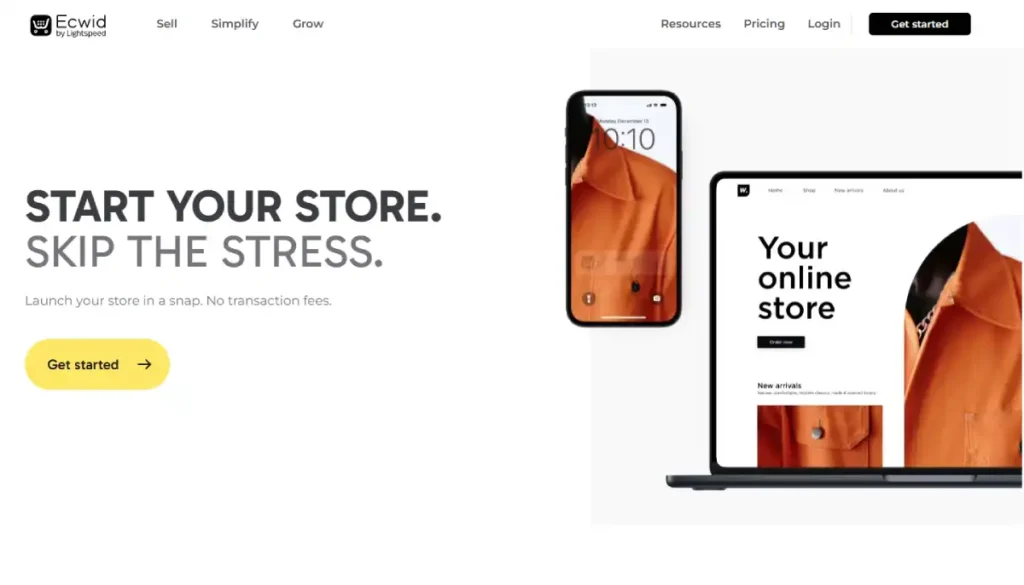
Ecwid’s core pitch is different from every other platform on this list: instead of building a new site, it embeds a working store into a website, blog, or social profile you already have. For a beginner who already has a WordPress site, a Wix page, or an active Instagram, this avoids rebuilding an existing online presence from scratch just to add ecommerce.
Our Ecwid review covers its embed model and plan tiers in more depth.
Key Features
Embeddable storefront: Adds ecommerce to virtually any existing website or platform with a small code snippet, no rebuild required.
Free plan for up to 5 products: A genuine zero-cost way to test ecommerce on an existing site before committing.
Multi-channel selling: Sell the same catalog across a website, Instagram, and Facebook from one dashboard.
No transaction fees: Only standard payment gateway fees apply, regardless of plan.
Fast implementation: Independently recognized as one of the fastest ecommerce platforms to get live.
Pros
- The only platform on this list that doesn’t require building a new website, a genuine time-saver for a beginner with an existing site.
- No transaction fees beyond standard payment processing, on any plan including free.
Cons
- The free plan’s 5-product cap is restrictive quickly for anyone beyond the smallest test catalog.
- Not a strong choice for a beginner starting completely from scratch with no existing website, since its core advantage doesn’t apply.
Who It’s Best For
Beginners who already have a website, blog, or active social presence and want to add selling capability without a full rebuild.
Pricing
Free for up to 5 products. Venture is $25/month (100 products), Business is $45/month (2,500 products).
BigCommerce: Best for Beginners Planning to Scale Quickly
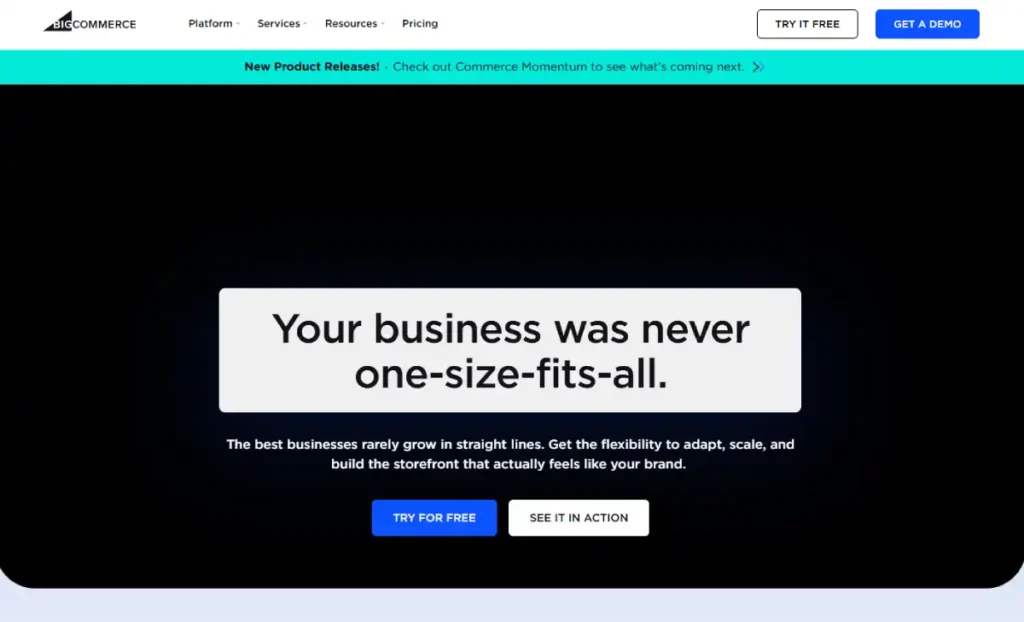
BigCommerce is a slightly heavier lift at setup than the other platforms here, with a less beginner-friendly dashboard than Shopify’s, but it charges no transaction fees on any plan and includes more native features out of the box, which matters for a beginner who expects to outgrow beginner status within the first year.
Our BigCommerce review covers its broader feature set in more depth.
Key Features
No transaction fees on any plan: A meaningful cost advantage over Shopify’s Basic plan if you’re not using the native payment gateway.
More native built-in features: Reduces the number of paid apps needed compared to Shopify at a similar stage.
Unlimited staff accounts on every plan: Useful for a beginner who expects to bring on help sooner rather than later.
Strong built-in B2B capability: A real advantage if the beginner store might sell to other businesses eventually.
Multi-currency support: Built in without a separate app, useful for beginners expecting international customers early.
Pros
- Zero transaction fees on every plan is a real, ongoing cost advantage that compounds as sales grow.
- More native functionality reduces reliance on paid apps compared to a similarly priced Shopify store.
Cons
- The admin dashboard has a steeper learning curve than Shopify’s, a real friction point for an absolute first-timer.
- Sales thresholds force a plan upgrade if you cross specific annual revenue marks, which is a detail beginners often miss when comparing sticker prices.
Who It’s Best For
Beginners who expect rapid early growth or plan to sell to other businesses, and who don’t mind a slightly steeper learning curve for lower long-term costs.
Pricing
Standard plan is $39/month with no transaction fees, though it caps at $50K in annual sales before requiring an upgrade to Plus ($105/month).
Common First-Timer Traps to Avoid
Choosing WooCommerce as a Free Starting Point
WooCommerce’s core plugin is free, but it requires separate hosting, a domain, and basic WordPress comfort before you can sell anything. For a true beginner, the real cost isn’t the plugin price; it’s the setup time and the ongoing responsibility for security and updates that a hosted platform handles automatically.
Picking the Cheapest Sticker Price Without Checking Transaction Fees
A platform’s monthly fee is only part of the real cost. Square Online’s free plan looks cheapest until you calculate the 3.3% online processing rate against your expected sales volume, at which point a paid tier or a different platform may actually cost less.
Over-Customizing Before Your First Sale
Spending weeks perfecting a theme before listing a single product delays the only feedback that actually matters: whether anyone wants to buy what you’re selling. Launch with a clean default template and refine design after your first real sales data comes in.
Picking a Platform Based on What a Friend Uses
The right platform depends on what you’re selling and how you plan to grow, not on secondhand familiarity. A platform that’s perfect for a friend’s subscription box may be the wrong fit for a one-product dropshipping test.
How to Choose eCommerce Platform for a Beginner
If speed to launch and long-term scalability both matter and budget isn’t the tightest constraint, Shopify is the strongest all-around starting point.
If you have zero design confidence and a small, curated catalog, Squarespace or Wix will get you to a professional-looking result fastest.
If you plan to sell in person as well as online, Square Online avoids running two disconnected systems.
If you already have a website, blog, or social presence, Ecwid lets you add ecommerce without a rebuild.
If you expect to outgrow beginner quickly, either in sales volume or B2B potential, BigCommerce’s zero transaction fees and stronger native feature set are worth the slightly steeper learning curve.
FAQ’s
What’s the easiest ecommerce platform for someone with zero technical skills?
Shopify and Wix are the two most consistently cited as easiest for a true beginner, since both handle hosting, security, and checkout automatically and offer guided or AI-assisted setup. The right one between them depends on whether ecommerce depth (Shopify) or visual design ease (Wix) matters more to you.
Is WooCommerce good for beginners?
Not as a first platform. WooCommerce’s plugin is free, but it requires separate hosting and basic WordPress familiarity before you can launch, which adds a real setup step that fully hosted platforms skip.
It’s a stronger fit once you’re comfortable managing a WordPress site.
How much does it really cost to start an online store as a beginner?
Most platforms on this list run $25 to $45/month at the entry tier, plus payment processing fees typically between 2.6% and 3.3% per transaction depending on the platform and plan. Free tiers exist (Ecwid, Square Online) but come with product caps or higher processing rates that can cost more than a paid plan at real sales volume. Our cost to start an online store guide breaks down the full picture beyond just the platform fee.
Can I switch platforms later if I outgrow my first choice?
Yes, but it’s genuinely time-consuming, not technically risky. Products and customer data can usually be exported and imported, but themes, apps, and SEO settings need to be rebuilt from scratch on the new platform.
Picking a platform that can grow with you for at least a year avoids this cost early.
Do I need a business license before starting an online store?
Requirements vary by location and business structure, and this guide doesn’t cover legal setup. Check your local and state requirements separately from the platform decision, since the platform choice and business registration are independent steps.
What’s the difference between this guide and a best platform for small business guide?
This guide assumes no existing business, brand, or sales channel, purely ease-of-setup for a first-time seller. A small business guide assumes you already have customers, inventory, or an in-person presence to formalize into a real online store, which changes the ranking criteria meaningfully.
Final Thoughts
For a true first-time seller, the platform decision comes down to setup speed and whether the platform’s pricing honestly reflects what you’ll actually pay once real sales start.
Shopify remains the strongest all-around pick for most beginners, with Wix and Squarespace as the right choice when visual design confidence matters more than ecommerce depth, and Square Online or Ecwid worth considering for specific situations like in-person selling or an existing website.
If you’re not yet sure whether you’re a true beginner or an existing small business formalizing your first real online store, our how to start an ecommerce store guide, the Shopify’s transaction fees breakdown, and the platforms hub are good next stops before committing to a platform.