
OpenCart’s core install is intentionally lean, everything beyond the basics comes from its extension marketplace, which now carries over 13,000 modules.
That scale is a real strength and a real trap, most stores need a specific, limited set done well, not a shopping list.
This guide covers 9 extensions across six categories that actually matter for a working store: payment, SEO, shipping, checkout, performance, and reporting.
Each one gets real pricing, honest pros and cons, why the category needs solving at all, and exact setup steps.
Key Takeaways
- OpenCart’s built-in carrier shipping modules, UPS, USPS, FedEx, run on outdated APIs. UPS moved to OAuth 2.0 authentication and the original built-in module needed a community patch to keep working, a real, confirmed gap the extension marketplace exists to fix.
- OpenCart’s native SEO tools are basic by default, no automated meta-tag generation, no rich snippet support, both real gaps a dedicated SEO extension closes.
- Performance extensions matter more on OpenCart than on managed platforms, since there is no built-in CDN or automatic caching layer handling this for you.
- Payment and shipping extensions vary heavily by region and carrier, most real stores need more than one to cover their actual customer base.
- Every extension recommended here has a genuine limitation stated plainly, no extension in this guide gets a free pass.
[IMAGE: OpenCart Extension Marketplace showing categories for payment, SEO, shipping, and performance modules | OpenCart extensions marketplace categories]
Quick Reference: 9 Extensions Worth Considering
| Extension | Category | Price | Best For |
|---|---|---|---|
| PayPal Checkout Integration | Payment | Free | Broad global recognition, marketplace-featured |
| Stripe (Striper) | Payment | Free, Pro version adds refunds | Developer-friendly, embedded card processing |
| CCAvenue | Payment | Confirm on marketplace listing | Stores selling primarily into India |
| Complete SEO Package | SEO | Confirm on marketplace listing | Meta-tag automation and structured data at catalog scale |
| UPS Shipping (OAuth 2.0) | Shipping | Confirm on marketplace listing | Fixing OpenCart’s outdated built-in UPS module |
| FedEx Shipping Complete Solution | Shipping | Confirm on marketplace listing | Real-time FedEx rates using the current API |
| Quick Checkout / Onepage Checkout | Checkout | Confirm on marketplace listing | Reducing cart abandonment with a guided checkout flow |
| RocketBoost | Performance | Confirm on marketplace listing | Caching and asset delivery on self-hosted stores |
| ADV Sales Report | Reporting | Confirm on marketplace listing | Detailed sales analytics beyond OpenCart’s default reports |
Pricing for paid extensions was not confirmed to a single figure across sources for this pass, current prices are directly on each extension’s marketplace listing, linked in the table above and every profile below.
Payment: PayPal (Official)
Why this category needs solving. OpenCart ships with basic payment support, but real conversion depends on offering the specific processors your actual customers already trust and use.
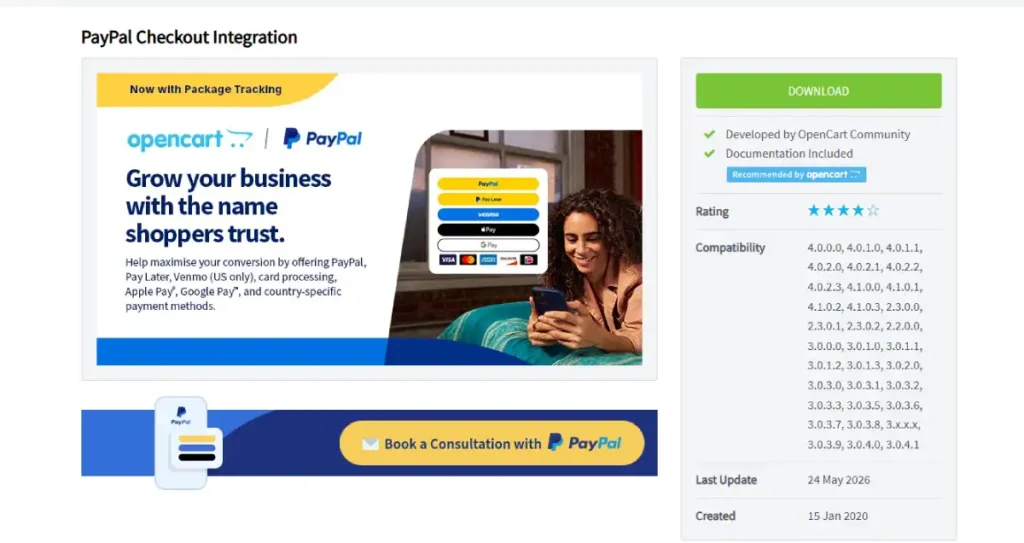
What it is. PayPal’s official OpenCart extension, connecting your store directly to PayPal’s payment infrastructure and checkout flow.
Pros:
- Official, vendor-maintained extension rather than a third-party wrapper
- Broad global recognition, many customers already have an account
- Supports both PayPal balance and card payments through the same integration
Cons:
- Standard PayPal processing fees apply on top of your OpenCart hosting cost, ongoing per transaction, not a one-time cost
- Checkout can redirect customers off-site depending on configuration, which some stores find reduces conversion compared to a fully embedded flow
How to use it:
- Go to Extensions, then Extension Installer, and install the official PayPal extension
- Go to Extensions, then Payments, and find PayPal in the list
- Enter your live PayPal business account credentials
- Set the gateway to Enabled and save
- Run a real test transaction before going live
Why we recommend it. Broad enough recognition that most stores benefit from offering it even alongside other processors.
Payment: Stripe (Official)
Why this category needs solving. Card-first customers, and developers wanting programmatic control over the payment flow, often prefer Stripe’s more embedded checkout experience over a redirect-based alternative.
What it is. Stripe’s official OpenCart extension, integrating card processing directly into your store’s checkout.
Pros:
- Official, vendor-maintained extension
- Fully embedded checkout, no redirect to an external payment page
- Strong developer documentation if further customization is needed later
Cons:
- Standard Stripe processing fees apply, the same ongoing cost structure as any card processor
- Setup requires generating and correctly configuring API keys, a step that trips up non-technical store owners more than PayPal’s simpler connection flow
How to use it:
- Install the official Stripe extension through Extensions, then Extension Installer
- Go to Extensions, then Payments, and find Stripe
- Enter your live Stripe API keys from your Stripe dashboard
- Set the gateway to Enabled and save
- Run a real test transaction using Stripe’s test card numbers before switching to live mode
Why we recommend it. The embedded checkout experience is a real conversion advantage over a redirect flow for stores where that friction matters.
Payment: CCAvenue
Why this category needs solving. Neither PayPal nor Stripe is a complete solution for every region, a store selling primarily into a market where a different processor dominates needs a region-specific option instead of forcing a global default.
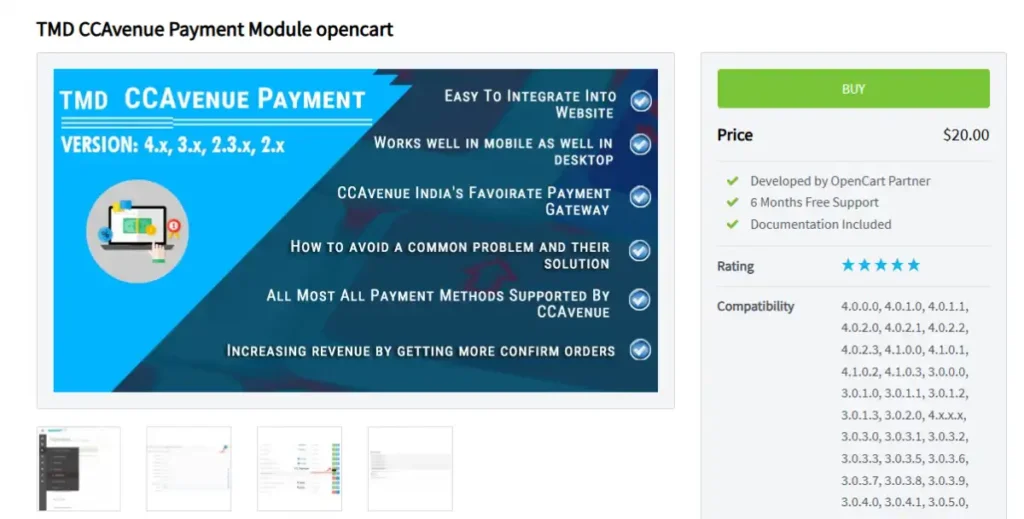
What it is. A payment gateway extension built for real-time encrypted payments, internet banking, and mobile payments, with particular strength in the Indian market.
Pros:
- Strong regional payment method coverage, including internet banking options global processors often lack
- Real-time transaction encryption built in
- Handles international currency processing alongside regional methods
Cons:
- Narrower relevance outside its core regional strength, not the right default for a store without meaningful sales into that market
- Fewer English-language setup resources compared to PayPal or Stripe’s documentation
How to use it:
- Set up a CCAvenue merchant account if you do not already have one
- Install the extension through Extensions, then Extension Installer
- Go to Extensions, then Payments, and configure your CCAvenue merchant credentials
- Set the gateway to Enabled and save
- Run a real test transaction before going live
Why we recommend it. For the specific regional audience it serves, it covers payment methods that global-first processors handle poorly or not at all.
SEO: Complete SEO Package
Why this category needs solving. OpenCart’s native SEO tools are minimal, no automated meta-tag generation across a large catalog, no rich snippet or schema support out of the box.
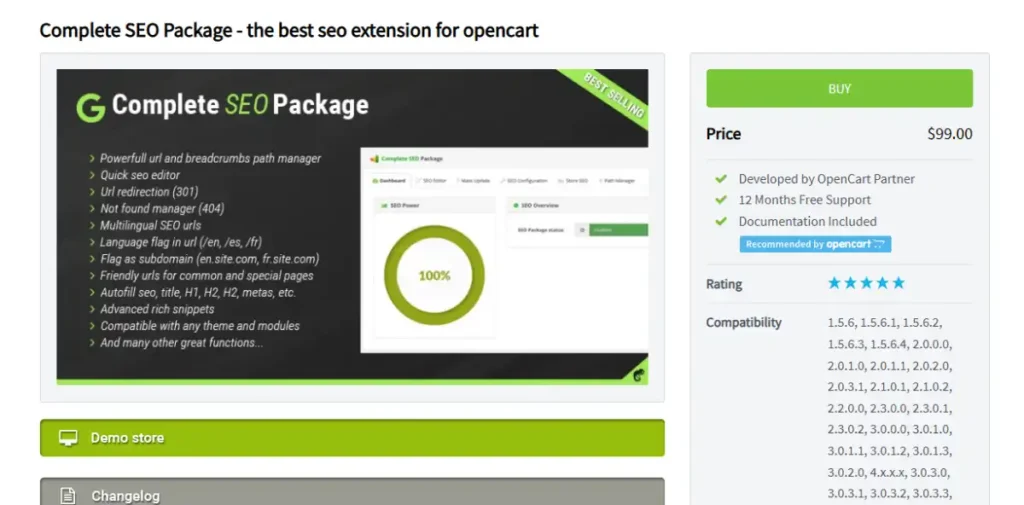
What it is. A dedicated SEO toolkit built specifically for OpenCart, covering meta-tag automation, canonical URL handling, rich-snippet support, and image optimization. It has sold over 5,000 copies on the OpenCart marketplace with a 4.5-out-of-5 rating.
Pros:
- Automated meta-tag generation saves real time on a catalog with more than a handful of products
- Canonical URL handling addresses a common source of duplicate-content issues on OpenCart specifically
- Rich snippet support helps eligible pages qualify for enhanced search results
Cons:
- A paid extension on top of your hosting and other extension costs, confirm current pricing directly on the marketplace listing
- Automated tags still benefit from manual review on your highest-priority pages
How to use it:
- Purchase and download Complete SEO Package from the marketplace
- Install it through Extensions, then Extension Installer
- Configure the automated meta-tag rules for your product and category templates
- Enable canonical URL handling and rich snippet options
- Run a handful of top product pages through Google’s Rich Results Test to confirm the markup validates correctly
Why we recommend it. It directly closes the two gaps OpenCart’s native tools leave open, automation at catalog scale and structured data.
Shipping: UPS Shipping (OAuth 2.0)
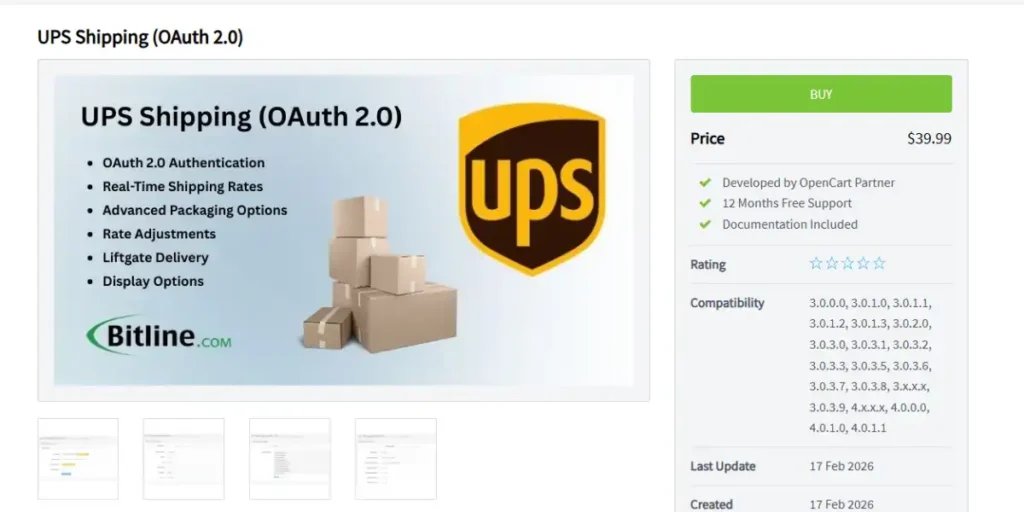
Why this category needs solving. OpenCart’s built-in shipping carrier modules run on outdated APIs. UPS moved its authentication to OAuth 2.0, and the original built-in module needed a community patch just to keep functioning.
What it is. A dedicated extension integrating UPS shipping using their current OAuth 2.0 API, pulling real-time rates directly into checkout.
Pros:
- Solves a real, documented compatibility gap rather than a hypothetical one
- Real-time rate calculation avoids overcharging or undercharging on shipping
- Kept current with UPS’s actual API rather than depending on OpenCart’s core update cycle
Cons:
- Single-carrier, a store shipping via other couriers needs a separate extension for each
- Requires your own UPS business account and API credentials to function
How to use it:
- Set up a UPS business account and generate API credentials
- Install UPS Shipping (OAuth 2.0) through Extensions, then Extension Installer
- Go to Extensions, then Shipping, and configure your credentials
- Set default box sizes if the extension supports box packing
- Set to Enabled, save, and confirm live rates appear in a real test cart
Why we recommend it. It fixes a specific, confirmed problem, OpenCart’s own built-in UPS handling is the outdated piece this extension replaces.
Shipping: FedEx Shipping Complete Solution
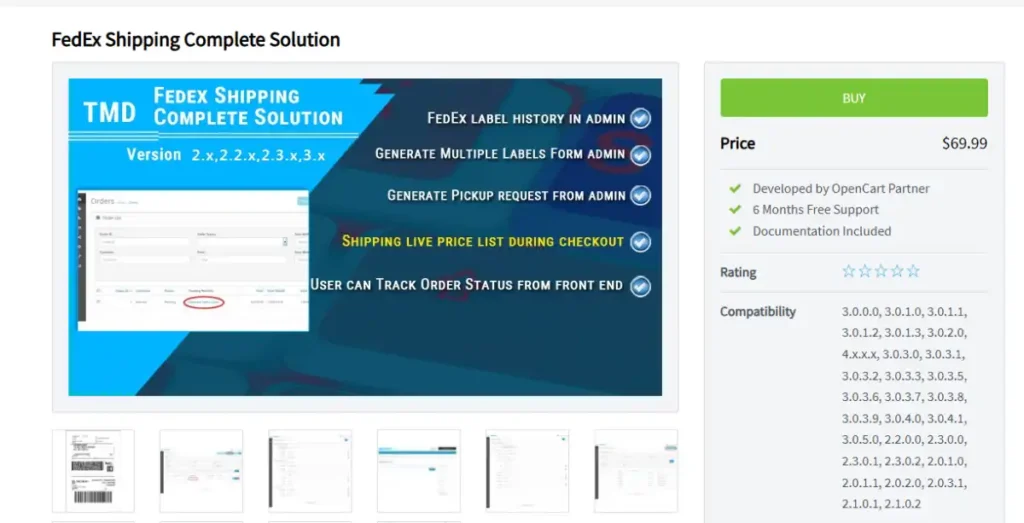
Why this category needs solving. The same API-aging problem that affects OpenCart’s built-in UPS module affects FedEx, a store relying on the default FedEx integration risks the same silent breakage.
What it is. A companion extension to UPS Shipping (OAuth 2.0), integrating FedEx shipping using their current API to pull real-time rates and service options.
Pros:
- Addresses the same class of confirmed API compatibility risk as the UPS extension
- Gives a store the option to offer both major carriers side by side, letting customers choose
- Maintained against FedEx’s current API rather than OpenCart’s core release cycle
Cons:
- Same single-carrier limitation as the UPS extension, running both means managing two separate modules
- Requires a FedEx business account and correctly configured API credentials
How to use it:
- Set up a FedEx business account and generate API credentials
- Install FedEx Shipping Complete Solution through Extensions, then Extension Installer
- Go to Extensions, then Shipping, and enter your credentials
- Configure package and box settings to match your actual fulfillment process
- Set to Enabled, save, and confirm rates display correctly in a real test cart
Why we recommend it. Running it alongside UPS Shipping (OAuth 2.0) gives customers real carrier choice at checkout without depending on either module’s outdated built-in equivalent.
Checkout: Quick Checkout / Onepage Checkout
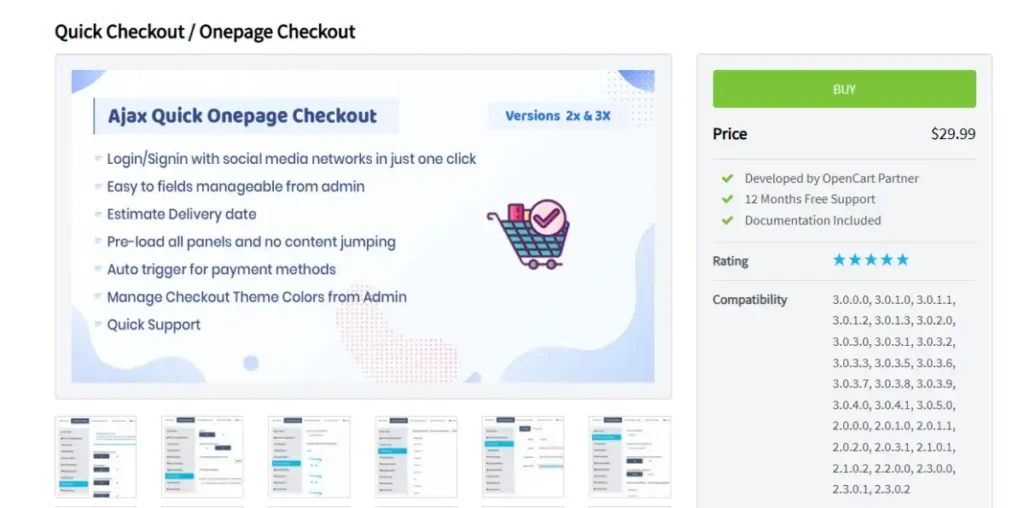
Why this category needs solving. OpenCart’s default checkout presents customer information in a way that contributes to cart abandonment on some stores, a cleaner, guided flow is a direct, measurable conversion lever.
What it is. An extension that reorganizes OpenCart’s default checkout into clear, sequential steps rather than one dense form.
Pros:
- Directly targets cart abandonment, one of the most consequential metrics for any store’s real revenue
- No change to backend order processing, this is a front-end conversion improvement, not a structural risk
- Works alongside the payment and shipping extensions above without conflict
Cons:
- A checkout change should be tested with real users before assuming it improves conversion, not every store’s audience responds the same way to a stepped flow versus a single-page form
- Confirm compatibility with your specific OpenCart version before purchasing
How to use it:
- Purchase and install Quick Checkout / Onepage Checkout through Extensions, then Extension Installer
- Enable it under the relevant Checkout settings section
- Configure which fields appear at each step
- Test the full checkout flow yourself, then monitor your actual cart abandonment rate for several weeks after launch to confirm it helped
Why we recommend it. It is one of the few extensions on this list that directly targets revenue rather than a technical or operational gap.
Performance: RocketBoost
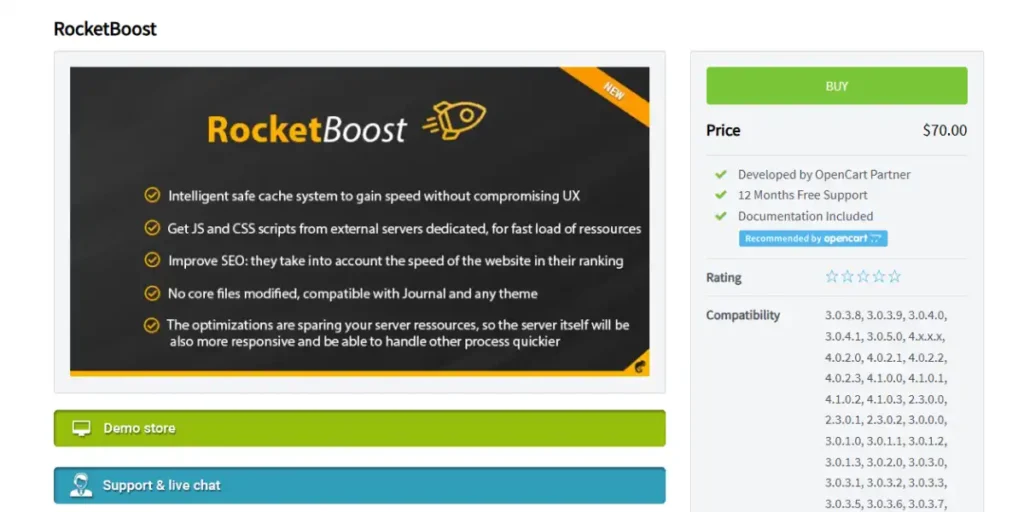
Why this category needs solving. OpenCart has no built-in CDN and no automatic full-page caching layer, performance is completely dependent on what you configure yourself.
What it is. A performance extension built around caching, asset delivery, and optimization, storing generated pages or fragments to skip redundant processing.
Pros:
- Addresses a real structural gap, OpenCart’s lack of native full-page caching
- Asset delivery optimization compounds with the PHP OPcache and image compression steps covered in our OpenCart hosting guide
- Reduces server load in addition to improving page speed
Cons:
- Caching extensions can occasionally serve stale content if not configured to clear correctly after catalog or price changes
- Confirm compatibility with any other performance extensions you already run
How to use it:
- Install RocketBoost through Extensions, then Extension Installer
- Configure caching rules by page type, product, category, homepage
- Set up automatic cache clearing tied to product and price updates
- Test by updating a product’s price, then viewing that page as a logged-out visitor to confirm the change reflects correctly
Why we recommend it. It targets the specific structural gap, no native caching layer, that most directly affects real page speed on a self-hosted platform.
Reporting: ADV Sales Report
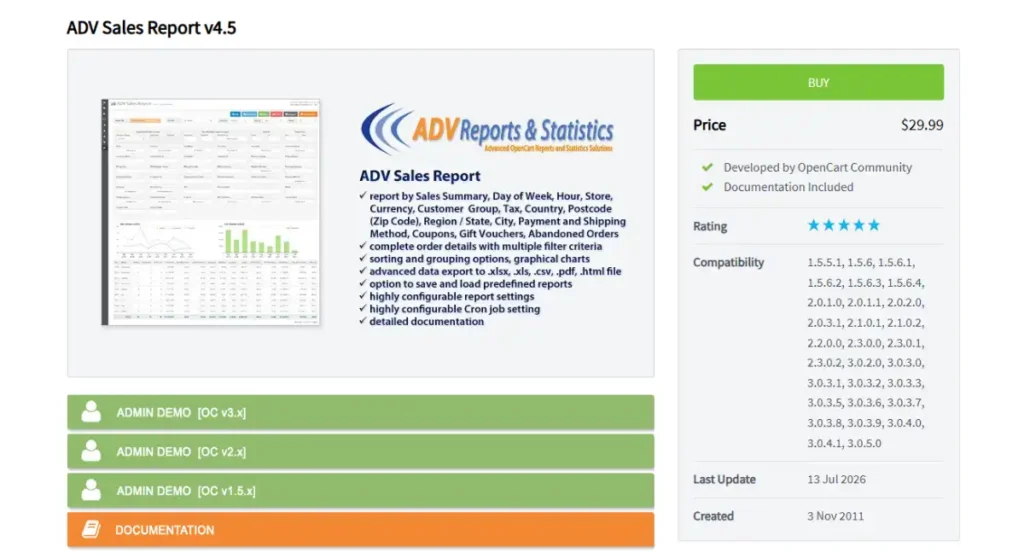
Why this category needs solving. OpenCart’s default reporting is limited, a store making real decisions about inventory, marketing spend, or customer segments needs deeper analytics than the core install provides.
What it is. A reporting extension delivering sales analytics by day, week, month, or custom range, with filtering by store, customer group, country, and shipping or payment method.
Pros:
- Export options in XLS, CSV, and PDF cover most real business reporting needs
- Filtering by customer group and region enables decisions the default reports cannot support
- Scheduled export via cron job removes the need to manually pull reports
Cons:
- Reporting depth is only as useful as the decisions actually made from it, this is a data tool, not an automatic optimization engine
- Confirm the extension’s filters match the specific dimensions your store actually needs before purchasing
How to use it:
- Install ADV Sales Report through Extensions, then Extension Installer
- Configure your default reporting period and preferred export format
- Set up scheduled exports via cron job if you want reports delivered automatically
- Review filtered reports by customer group, country, or payment method to identify real patterns worth acting on
Why we recommend it. It closes a real gap in OpenCart’s default reporting depth without requiring a separate analytics platform.
FAQ’s
What are the most important OpenCart extensions to install first?
A payment gateway matching your actual customer base, an SEO extension to handle meta tags and structured data at catalog scale, a real-time shipping carrier extension, and a caching or performance extension. These cover the gaps OpenCart’s core install leaves open.
Are OpenCart extensions free?
Some are, most quality extensions in categories like SEO, shipping, and performance are paid, typically a one-time purchase rather than a subscription. Confirm current pricing directly on each extension’s marketplace listing before purchasing, since prices change.
Why do I need a shipping extension if OpenCart has built-in carrier modules?
Because OpenCart’s built-in carrier modules often run on outdated APIs. UPS specifically moved to OAuth 2.0 authentication, and the original built-in module needed a community patch to keep functioning, a confirmed, real compatibility gap.
Does OpenCart need a caching extension?
Yes, for real performance. OpenCart has no built-in full-page caching layer or CDN the way some managed platforms do, so caching is completely dependent on what you configure yourself through hosting and extensions.
Should I install multiple shipping carrier extensions?
Yes, if your store realistically ships via more than one carrier. UPS Shipping (OAuth 2.0) and FedEx Shipping Complete Solution can run side by side, giving customers real carrier choice, rather than forcing every order through a single option.
Where do I find OpenCart extensions?
The official OpenCart Extension Marketplace, linked at the top of this guide and within every extension profile, is the primary and safest source, since listings show install counts, ratings, and update history you can use to judge quality before purchasing.