
A platform that fits a business doing $5,000 a month is often the wrong one at $500,000 a month, and the reverse is just as true.
Revenue stage is the single strongest predictor of platform fit, stronger than product type, stronger than technical preference, stronger than brand reputation.
Most platform advice treats this as a one-time decision, pick well once and move on.
In practice, a growing business often changes platforms two or three times over its life, and each move happens for the same reason: the platform that was perfect at the last revenue level starts actively working against the business at the next one.
The signal is rarely subtle once you know what to look for. A catalog that no longer fits cleanly, a transaction fee that quietly eats more margin every month, a feature a competitor has that your platform simply does not offer, these are the real triggers, not a round revenue number on its own.
This maps all sixteen platforms this guide covers into four real revenue tiers, with the specific signal that tells you it is time to move from one tier to the next.
Key Takeaways
- Platform fit changes as revenue changes. A store that outgrows its Tier 1 platform does not need a better version of the same tool, it needs a completely different one.
- Most businesses move through two, sometimes three tiers over their lifetime, rarely staying on their launch platform indefinitely if they grow.
- The clearest migration trigger is rarely revenue alone, it is usually a specific limitation the current platform cannot solve at all, not just poorly.
- Some platforms actually span two tiers well, Shopify and BigCommerce both stretch further than most others on this list before a real migration becomes necessary.
- Moving tiers too early wastes money on complexity you do not need yet. Moving too late means real revenue lost to a platform actively working against you.
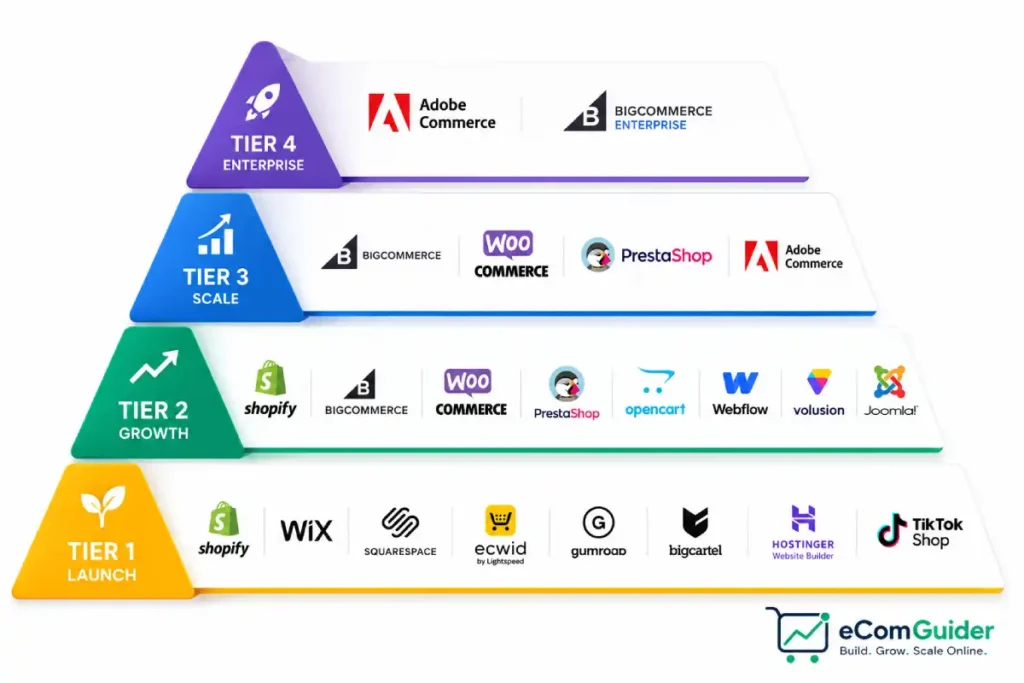
The Four Tiers at a Glance
| Tier | Revenue Range | What Matters Most Here | Platforms in This Tier |
|---|---|---|---|
| Tier 1: Launch | $0 to $10,000/month | Low cost, fast setup, minimal technical burden | Shopify, Wix, Squarespace, Ecwid, Gumroad, Big Cartel, Hostinger Website Builder, TikTok Shop |
| Tier 2: Growth | $10,000 to $100,000/month | Room to scale without a forced early migration | Shopify, BigCommerce, WooCommerce, PrestaShop, OpenCart, Webflow, Volusion, Joomla |
| Tier 3: Scale | $100,000 to $1,000,000/month | Performance, B2B depth, multi-channel complexity | BigCommerce, WooCommerce, PrestaShop, Adobe Commerce |
| Tier 4: Enterprise | $1,000,000+/month | Multi-brand architecture, deep ecosystem integration | Adobe Commerce, BigCommerce Enterprise |
Tier 1: Launch ($0 to $10,000/Month)
Why these platforms belong here. At this stage, speed to launch and low fixed cost matter more than raw scalability. Every platform in this tier gets a real store online in days, not weeks, and none of them charge enough monthly to meaningfully dent a small budget before revenue exists to support it.
Shopify

Features:
- Unlimited products with no artificial catalog cap
- Native abandoned cart recovery included from the entry plan
- Large app ecosystem covering most feature gaps
Pros:
- Usable without a developer, most stores go live in days
- Strong, well-documented support resources
- Scales into Tier 2 without an early forced migration
Cons:
- App costs stack up quickly as feature needs grow
- Transaction fee applies unless using Shopify Payments directly
Pricing: Basic plan starts around $39/month, with roughly 2.9% plus $0.30 per transaction through Shopify Payments.
Wix
Features:
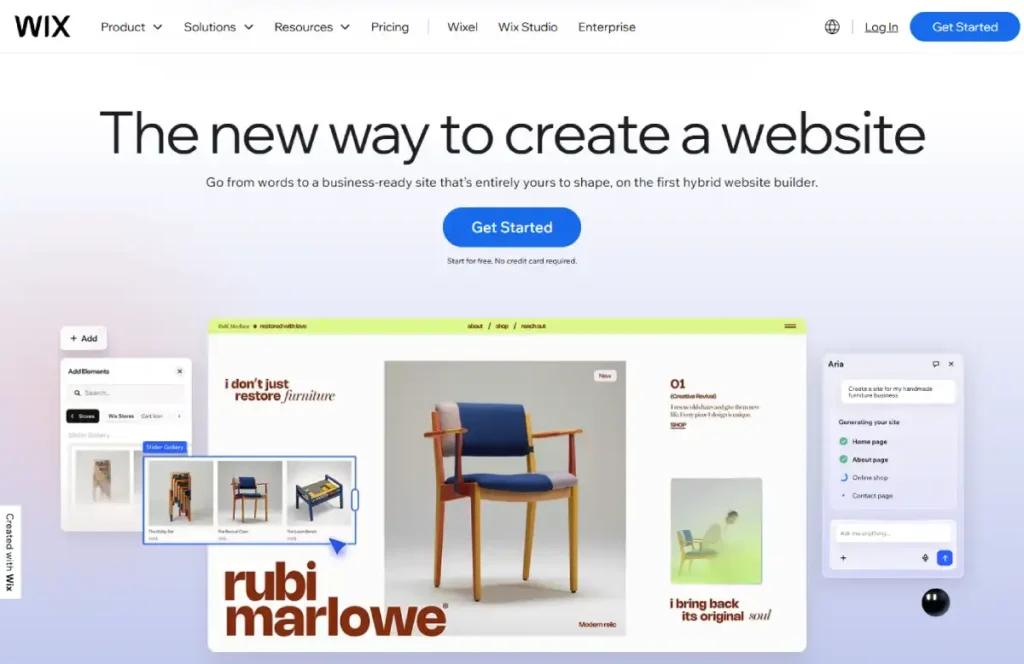
- Drag-and-drop visual editor with real design control
- Native blog, booking, and content tools alongside commerce
- Core, Advanced, and other tiers scaling features with price
Pros:
- Strong fit for a content-rich or service-adjacent brand
- No coding required for a polished result
- Fast setup, comparable to Shopify
Cons:
- Commerce features are secondary to the page-builder core
- Less suited to a large or fast-growing catalog
Pricing: Entry commerce-capable plans start in the mid-teens per month, scaling up through roughly $25 to $30 for more complete commerce features.
Squarespace

Features:
- Strong native blogging and storytelling tools
- Clean, design-forward templates favored by creative brands
- Multiple commerce-capable tiers with increasing feature depth
Pros:
- Best-in-class visual polish with minimal effort
- Strong fit for a brand selling through content and story
- Simple, predictable plan structure
Cons:
- Less flexible editor than Wix for unconventional layouts
- Transaction fee applies on the entry tier specifically
Pricing: Entry plan around $12 to $17/month on annual billing, with a transaction fee on the lowest tier that disappears on higher plans.
Ecwid
Features:
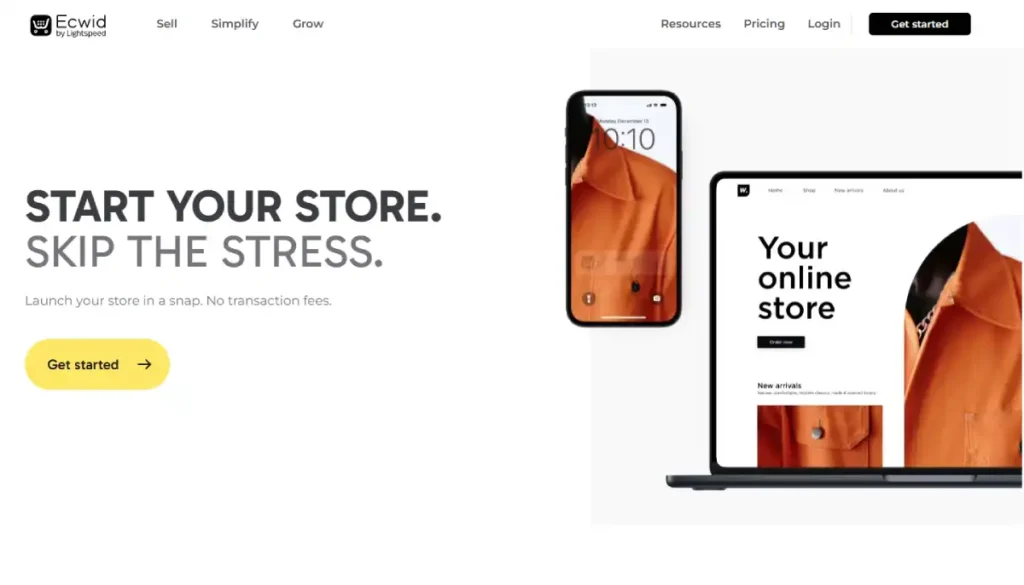
- Embeds directly into an existing website rather than replacing it
- Zero transaction fees on every current plan
- Multi-platform integration, WordPress, Wix, Squarespace, and more
Pros:
- The only real option for adding a store without a rebuild
- No platform-side cut on any sale, at any plan
- Low commitment for testing whether selling works at all
Cons:
- No free plan currently, entry tier starts paid
- Feature depth below Tier 2-capable platforms at true scale
Pricing: Entry plan starts around $5/month, with mid-tier plans in the $29 to $49/month range unlocking digital products and more selling channels.
Gumroad
Features:
- Purpose-built for digital downloads, courses, and memberships
- Simple, fast product listing process
- Fee-per-sale pricing rather than a monthly subscription
Pros:
- Fastest path from idea to a sellable digital product
- No monthly commitment while testing an offer
- Minimal setup complexity
Cons:
- Not built for physical product catalogs
- Less control over storefront design than a full platform
Pricing: No monthly fee, a percentage-based fee applies per transaction instead.
Big Cartel

Features:
- Simple, curated catalog structure built for small inventories
- Pricing scales with product count, not sales volume
- Simple setup with minimal configuration
Pros:
- Predictable cost for a stable, small catalog
- Actually simple, low learning curve
- A real fit for independent artists specifically
Cons:
- Not built for a growing or large catalog
- Fewer native marketing and automation tools than larger platforms
Pricing: A free tier exists for a very small catalog, with paid tiers scaling by product count into the low tens of dollars per month.
Hostinger Website Builder
Features:
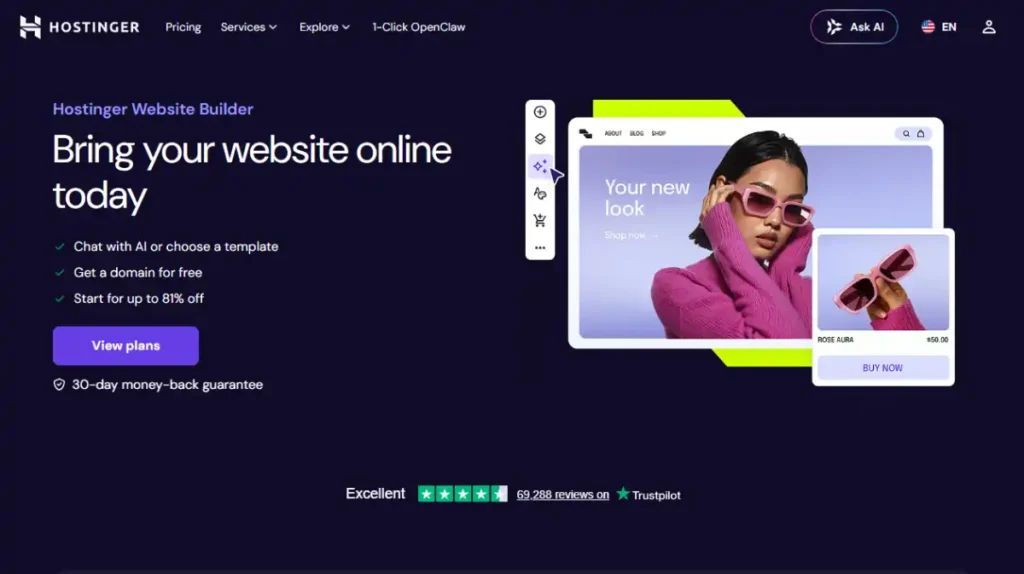
- Bundled with Hostinger’s hosting infrastructure
- AI-assisted setup for a fast, simple build
- Basic commerce functionality for a small catalog
Pros:
- Lowest realistic monthly cost on this list
- Simple enough for a genuine non-technical first store
- Bundled hosting removes one separate cost line item
Cons:
- Not built for deep customization or a large catalog
- Fewer third-party integrations than dedicated commerce platforms
Pricing: Commonly bundled with hosting plans starting under $5/month.
TikTok Shop

Features:
- Native, in-app checkout within the TikTok platform
- Deep integration with short-form video content and creator partnerships
- Not a standalone store, a selling channel layered onto video content
Pros:
- Puts products directly in front of an audience already watching
- Low friction between content and purchase
- Works alongside any other platform in this tier, not instead of one
Cons:
- No real storefront outside the TikTok app itself
- Dependent completely on the platform’s own algorithm and policies
Pricing: No platform subscription fee, standard transaction and payment processing fees apply per sale.
Migration trigger out of Tier 1: you are hitting a product catalog limit, need abandoned cart recovery or marketing automation your current plan does not include, or your monthly revenue has crossed roughly $10,000 for two or three consecutive months, not just one good month.
Tier 2: Growth ($10,000 to $100,000/Month)
Why these platforms belong here. This is where platform limitations start costing real money instead of just being inconvenient. Every platform in this tier either removes a cost that scales badly (a transaction fee, an app subscription) or adds real capability (B2B tools, deeper customization) that a Tier 1 platform does not offer natively.
BigCommerce
Features:
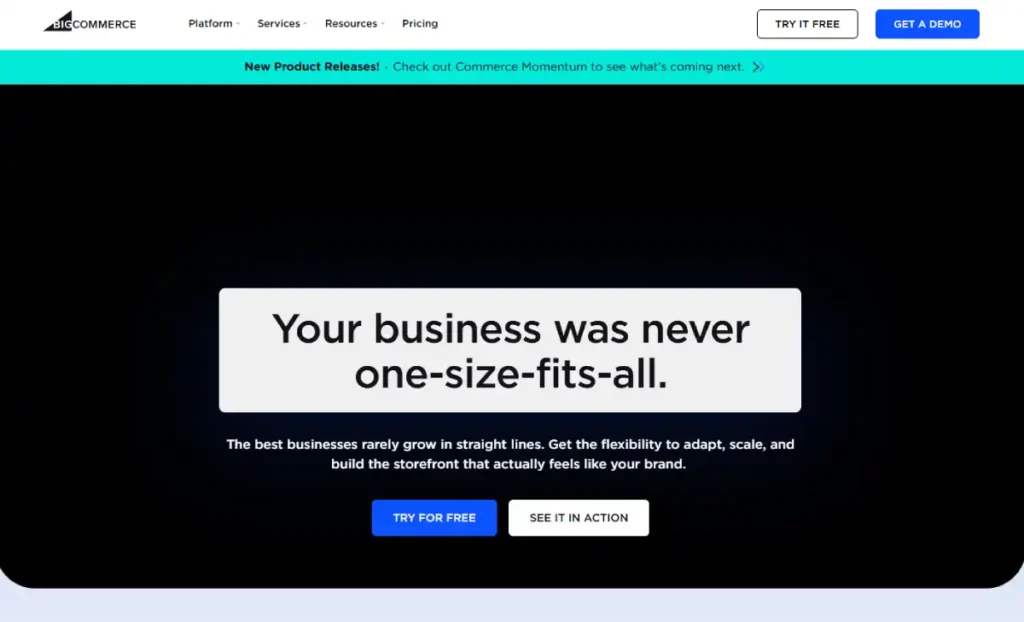
- No platform-side transaction fees on any plan
- Native B2B functionality, customer groups and quote workflows
- Strong handling of large product catalogs without performance strain
Pros:
- Genuine cost advantage at real sales volume
- B2B capability without a third-party app
- Scales cleanly into Tier 3 for many businesses
Cons:
- Smaller app ecosystem than Shopify
- Revenue-based plan tiers can force an unexpected upgrade
Pricing: Plans commonly run from the high double digits to a few hundred dollars monthly, scaling with revenue thresholds rather than a flat fee alone.
WooCommerce
Features:
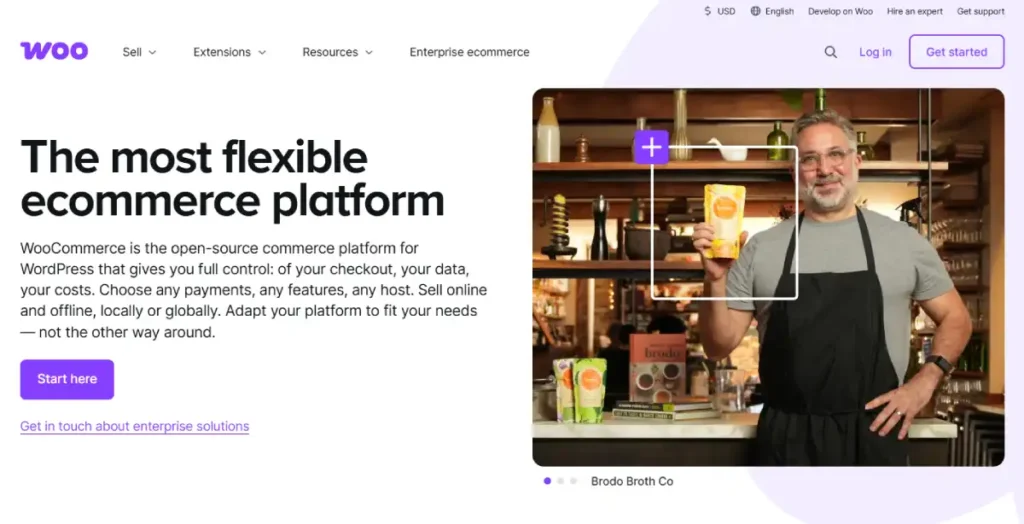
- Fully open-source, runs on WordPress with complete code access
- No platform-side transaction fee ever
- Enormous plugin ecosystem covering nearly any feature need
Pros:
- Real long-term cost control at scale
- Full data ownership and portability
- No feature locked behind a closed platform’s roadmap
Cons:
- Requires real technical capacity to manage well
- Hosting, security, and plugin maintenance are your responsibility
Pricing: The software itself is free, hosting typically runs $10 to $50/month for a small to mid-sized store, with plugin costs added on top. Hostinger is a solid starting point for WooCommerce hosting specifically at this price range.
PrestaShop

Features:
- Self-hosted and open-source, similar control to WooCommerce
- Strong native multi-language and multi-currency support
- Large European merchant base and localization depth
Pros:
- A strong fit for international, multi-market stores
- Full code-level control like WooCommerce
- No platform-side transaction fee
Cons:
- Requires real technical capacity, same as WooCommerce
- Add-on marketplace pricing can add up for premium modules
Pricing: The core software is free, hosting and premium modules are the real ongoing cost, commonly $50 to $200/month combined for a real store.
Kamatera or InMotion Hosting both offer the VPS-level control PrestaShop’s server requirements benefit from.
OpenCart
Features:
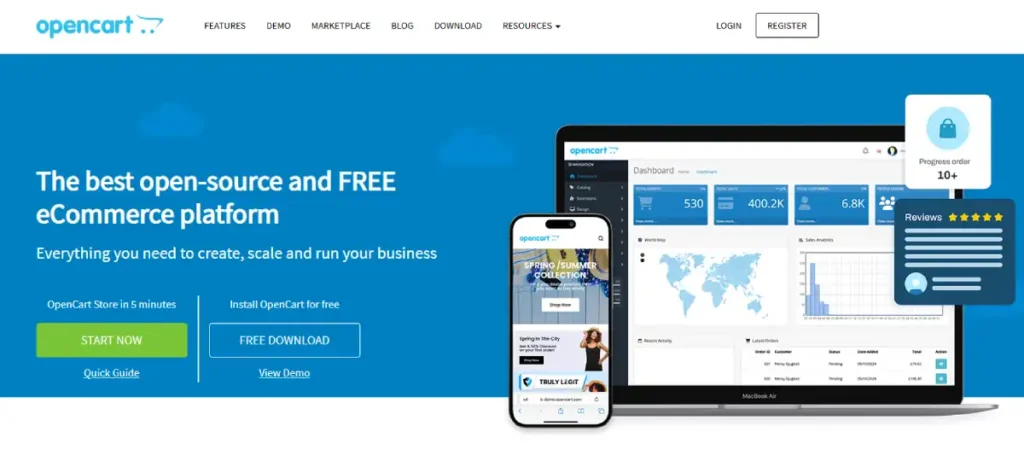
- Lightweight, self-hosted, lower resource requirements than some alternatives
- Large extension marketplace for common feature needs
- Full source code access
Pros:
- Budget-conscious option among the self-hosted platforms
- Real control without WooCommerce’s WordPress dependency
- Active extension ecosystem
Cons:
- Smaller support community than WooCommerce or PrestaShop
- Requires the same technical capacity as any self-hosted platform
Pricing: Free core software, hosting typically $10 to $40/month, with extension costs varying by feature need.
Hostinger and Namecheap both fit OpenCart’s server requirements at this budget.
Webflow
Features:
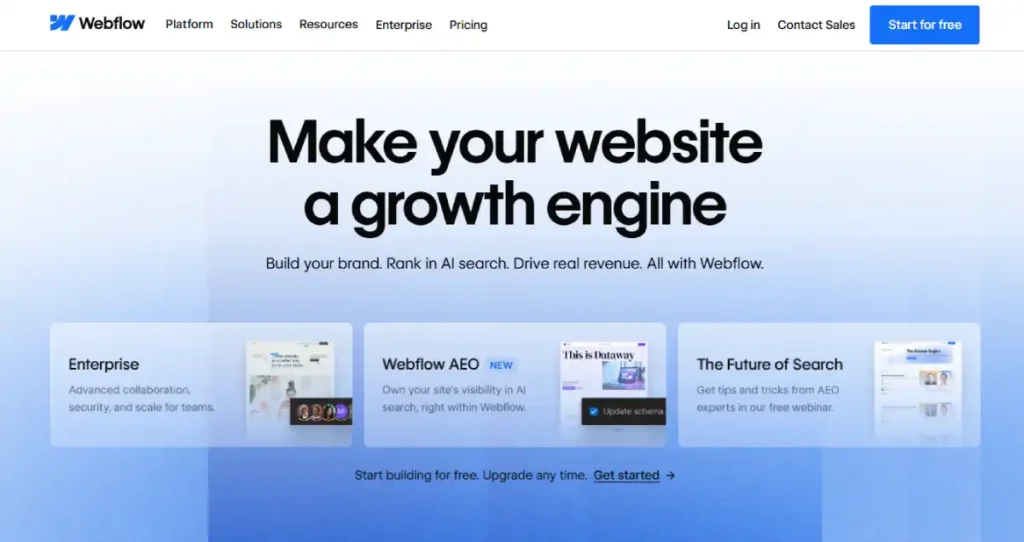
- Full visual control over layout and interaction design
- Commerce functionality integrated into the broader design tool
- Strong native content and CMS capability
Pros:
- Best fit when design is the primary brand differentiator
- No code required for highly custom layouts
- Content and commerce properly integrated, not bolted together
Cons:
- Commerce feature depth is thinner than dedicated ecommerce platforms
- Steeper learning curve for the visual builder itself
Pricing: Commerce-capable plans typically start around $30/month, scaling with catalog size and features.
Volusion

Features:
- More structured catalog and order management than beginner tools
- Built specifically for a business past the smallest startup stage
- Standard ecommerce feature set without enterprise complexity
Pros:
- A real step up from Tier 1 without jumping to enterprise tooling
- Simpler than BigCommerce for a business not yet needing full B2B depth
- Predictable plan structure
Cons:
- Smaller ecosystem and community than the platforms above it
- Less commonly recommended, worth direct evaluation rather than assumption
Pricing: Plans commonly range from around $35 to $100+/month depending on features and catalog size.
Joomla
Features:
- Commerce added onto an existing Joomla CMS installation
- Full content management alongside store functionality
- Open-source, self-hosted like WooCommerce and PrestaShop
Pros:
- The right call if you already run Joomla for the site itself
- Avoids a full site migration just to add commerce
- Same code-level control as other self-hosted options
Cons:
- A narrow fit, rarely the first choice for a store built from scratch
- Smaller ecommerce-specific plugin ecosystem than dedicated platforms
Pricing: Free core software, hosting and commerce extension costs are the real ongoing expense, commonly $20 to $60/month combined.
Namecheap covers standard shared hosting at this range.
Migration trigger out of Tier 2: you need multi-storefront or multi-currency support your current platform cannot provide, your catalog has grown past what your platform handles cleanly, or B2B functionality, customer groups, and negotiated pricing have become a real, not hypothetical, business need.
Tier 3: Scale ($100,000 to $1,000,000/Month)
Why these platforms belong here. Fewer platforms actually belong at this stage. The ones that do need to handle real complexity, larger teams, deeper B2B needs, heavier traffic, without falling over operationally.
BigCommerce (Continued Fit)
Continues to scale well into this tier, particularly for B2B and multi-storefront operations. The same no-transaction-fee structure from Tier 2 compounds into a larger real saving at this volume. Higher-tier plans and Enterprise pricing become relevant here, typically requiring a direct sales conversation rather than a self-serve signup.
WooCommerce (Continued Fit)
Viable at this scale only with serious hosting investment, managed WooCommerce hosting or a dedicated server setup, and an experienced technical team actively managing performance and security. The cost advantage from Tier 2 remains real, but the operational burden grows alongside it.
PrestaShop (Continued Fit)
The same pattern as WooCommerce, real scale requires real infrastructure investment to match, but the underlying software cost advantage persists.
Adobe Commerce (Entry Point)
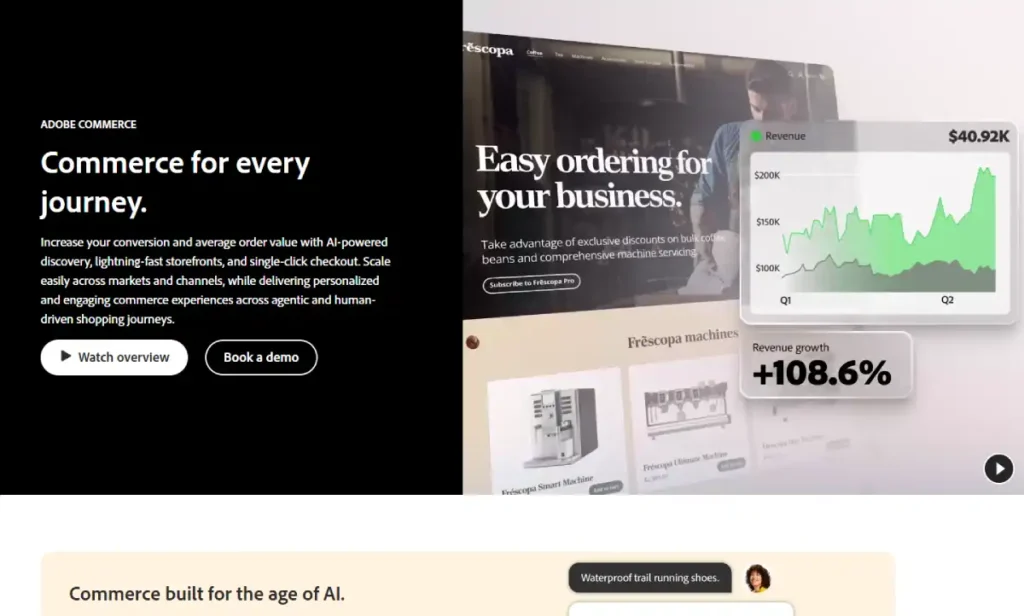
Features:
- Deep native B2B functionality, complex pricing and account hierarchies
- Multi-brand and multi-storefront architecture built in
- Extensive customization through a full development team
Pros:
- Genuine enterprise-grade depth few platforms match
- Strong fit for complex B2B operations specifically
- Scales into true enterprise territory without a further platform change
Cons:
- Implementation cost is substantial, commonly in the hundreds of thousands
- Requires a dedicated technical team or agency relationship to run well
Pricing: Custom quotes only, implementation alone commonly runs into six figures before ongoing licensing and hosting.
Migration trigger out of Tier 3: multi-brand architecture becomes a real operational need, not a nice-to-have, or your existing technical infrastructure is now the bottleneck limiting growth rather than the platform’s own feature set.
Tier 4: Enterprise ($1,000,000+/Month)
Why these platforms belong here. At this scale, implementation cost and ecosystem depth matter more than any platform’s sticker price. The decision is rarely made from a self-serve signup, it involves a formal evaluation, competitive vendor quotes, and an implementation partner relationship.
Adobe Commerce (Full Enterprise Fit)
The strongest fit on this list for genuine enterprise complexity, multi-brand, multi-region, and deep B2B needs, at the scale where its implementation cost is proportionate to the business running on it.
BigCommerce Enterprise
A real alternative for businesses at this scale that do not need Adobe Commerce’s full depth, generally a lower implementation cost with a narrower but still substantial feature set for large operations.
Beyond These Sixteen
Platforms outside this guide’s core coverage, Salesforce Commerce Cloud among them, become relevant specifically at this tier for businesses with existing deep investment in a broader enterprise software ecosystem where the integration value justifies a materially higher cost structure.
Migration Timing: When to Actually Move
Revenue crossing a tier boundary is a signal to evaluate, not an automatic trigger to migrate immediately.
- Move early if a specific, current limitation is already costing real money, lost sales from a feature gap, real performance problems, or a manual workaround eating staff time every week
- Wait if the business is growing but the current platform has not yet hit a real wall, migrating too early adds cost and risk for capability you are not using yet
- Never migrate during a peak sales period, holiday season, or any period where downtime or a broken checkout would cause real damage
- Always run the new platform in parallel or fully tested before cutting over, a rushed migration causes more damage than staying on an imperfect platform a few months longer
For the full decision process on which specific platform to move to next, this decision framework walks through the same five-question method used to build the tier assignments above.
FAQ’s
What revenue level should I switch from Shopify to BigCommerce or WooCommerce?
Around $10,000 to $25,000 a month is when the evaluation becomes worthwhile, though the real trigger is usually a specific limitation, catalog size, B2B needs, or transaction fee cost, rather than revenue alone.
Can a platform work at more than one tier?
Yes. Shopify and BigCommerce both stretch across two tiers each, which is part of why they appear so often in platform comparisons, they simply cover more ground than most alternatives before a real migration becomes necessary.
Is it bad to stay on a Tier 1 platform even at high revenue?
Not automatically, if it is actually still working. Some businesses run substantial revenue through Shopify well past the typical Tier 2 range. The question is whether a specific limitation is actually costing money, not whether a bigger platform exists.
How do I know if I am migrating too early?
If you cannot name a specific feature, cost, or performance problem your current platform cannot solve, you are likely migrating for a platform’s reputation rather than a real business need. Wait until the limitation is concrete.
What is the biggest mistake businesses make with platform tiers?
Migrating during a peak sales period, or migrating before testing the new platform thoroughly. Both turn a planned improvement into a real, avoidable revenue loss during the transition itself.
Do enterprise-tier platforms make sense below $1,000,000 a month?
Rarely. Adobe Commerce and similar enterprise platforms carry implementation costs that are difficult to justify below real enterprise scale, BigCommerce or a well-configured WooCommerce store typically deliver comparable capability at meaningfully lower cost through Tier 3.