
This guide is for a different situation than a first-time seller starting from nothing. If you already run a small business, whether that’s an in-person shop, a marketplace presence on Etsy or Amazon, or an existing customer list, the platform decision changes.
If you’re still weighing how an online channel actually compares to your existing in-person operation, our ecommerce vs retail guide covers that foundational question first.
The dominant filter isn’t setup speed. It’s how well the platform connects to what you already have.
That distinction matters more than most guides admit. A small business migrating an existing POS system, product catalog, and customer relationships needs integration depth that a true beginner doesn’t need to think about yet.
In this guide, you’ll learn which platform actually connects to an existing business rather than forcing you to start over, what integration gaps to check before committing, and which platforms are worth the steeper learning curve once you have real operational complexity to manage.
Key Takeaways
- If you already sell in person, Square Online’s native POS integration avoids running two disconnected inventory systems, a real problem once you have physical and online stock to reconcile.
- WooCommerce becomes a legitimate option here in a way it isn’t for a true beginner. An existing business more often already has a website, some technical comfort, or the budget to hire a developer for setup.
- BigCommerce’s zero transaction fees on every plan compound meaningfully once an existing business is already processing consistent monthly revenue, unlike a beginner still validating whether anyone will buy.
- Ecwid’s embed model is uniquely suited to a small business that already has a working website and doesn’t want a full rebuild just to add ecommerce.
- Migrating an existing product catalog, customer list, and order history is real work regardless of platform. Budget actual time for data migration, not just platform setup.
Quick Comparison
| Platform | Starting Price | Existing-Business Fit | Best For |
|---|---|---|---|
| Shopify | $25/month (annual: $23/month) | Strong | Brands ready to consolidate multiple sales channels into one system |
| BigCommerce | $39/month | Strong | Established businesses with consistent revenue wanting zero transaction fees |
| WooCommerce | Free plugin + hosting ($15-$60/month) | Strong, with technical comfort | Businesses with existing WordPress content or in-house technical help |
| Square Online | Free, or $49/month (Plus) | Strongest for hybrid sellers | Businesses already selling in person via Square |
| Ecwid | Free (5 products), $25/month (Venture) | Strong | Businesses with an existing website that don’t want to rebuild it |
| Wix | $29/month | Moderate | Small, curated catalogs prioritizing brand presentation |
The Real Decision Factors for an Established Business
A beginner’s first filter is setup speed. A small business’s first filter should be integration: does this platform connect to what you already have, or does it force you to rebuild your operation around its structure.
The first real question is whether you’re consolidating channels or adding one. A business already selling on Etsy, Amazon, or in person through Square needs a platform that either integrates directly with that existing channel or makes migration realistic without losing order history and customer relationships.
The second question is whether your existing technical comfort level, or your budget for a developer, changes which platforms are actually viable.
WooCommerce is a legitimate option for an established business in a way it usually isn’t for a true beginner, since an existing business is more likely to already have a website, some in-house technical capability, or the budget to bring in help.
We evaluated each platform on integration depth with common existing sales channels (POS, marketplaces, existing websites), total cost at a realistic small-business revenue level rather than an entry-level sticker price, and how much of an existing catalog and customer list can be migrated without starting from zero.
This is cross-referenced against our Shopify review and WooCommerce review for the platforms where that specific decision is the main fork in the road.
Shopify: Best for Consolidating Multiple Sales Channels

An established small business often sells in more places than it realizes: a website, Instagram, maybe a marketplace listing, maybe an in-person pop-up. Shopify’s single admin manages online, social, and in-person sales (via Shopify POS) from one dashboard, which is the strongest consolidation story of any platform here for a business currently juggling disconnected tools.
Key Features
Unified multi-channel dashboard: Manage online store, social selling, and in-person POS from a single admin, avoiding the reconciliation problem of separate systems.
Data import tools: Established migration paths for moving product catalogs and customer data from other platforms or marketplaces.
Shopify POS: Native point-of-sale hardware and software that syncs inventory in real time with the online store.
8,000+ app marketplace: Covers nearly any operational gap an existing business has already identified but hasn’t solved yet.
Multi-staff account access: Up to 15 staff accounts on the Advanced plan, relevant once a small business has more than one person managing the store.
Pros
- The strongest single-dashboard consolidation of online, social, and in-person sales of any platform on this list.
- Established, well-documented migration tools reduce the real risk of losing order history when switching from an existing system.
Cons
- The 2% transaction fee on the Basic plan applies unless you use Shopify Payments, a detail worth checking against your existing payment processor relationships.
- Multi-storefront management for a business with more than one distinct brand requires the more expensive Advanced plan or higher.
Who It’s Best For
Small businesses currently selling across multiple disconnected channels (in-person, social, marketplace) who want to consolidate into one operational system.
Pricing
Basic plan is $25/month billed monthly or $23/month billed annually, with a 2% transaction fee on external payment gateways, waived when using Shopify Payments.
BigCommerce: Best for Zero Transaction Fees at Consistent Revenue
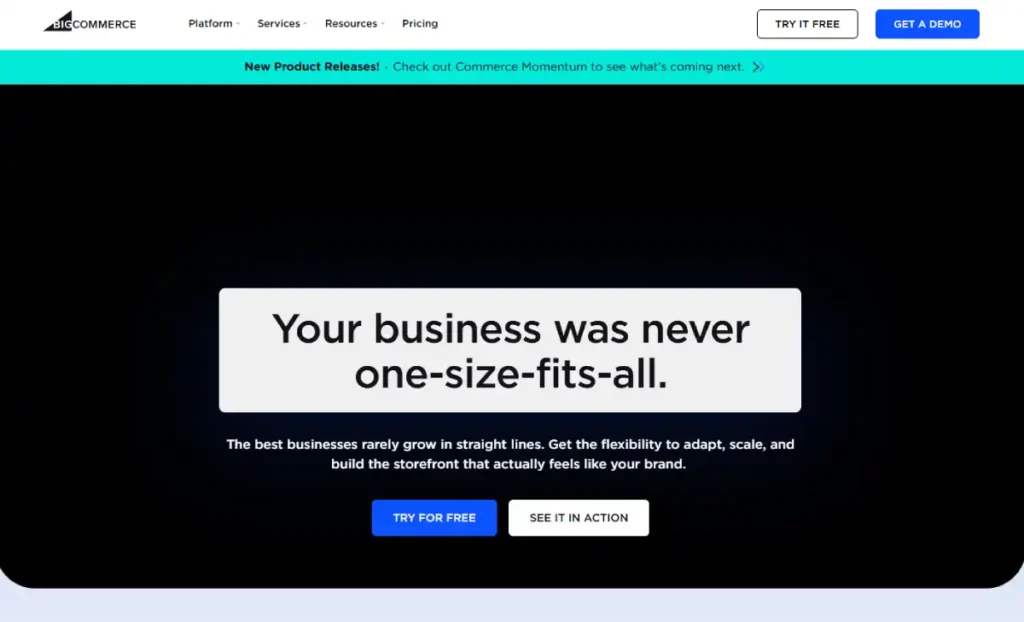
Once a small business has consistent monthly revenue rather than sporadic early sales, transaction fees stop being a rounding error and start being a real cost line. BigCommerce charges no transaction fees on any plan, a meaningful and compounding advantage over Shopify’s Basic plan once you’re not using Shopify Payments, or once volume makes even a 1-2% fee add up to real money each month. Our BigCommerce review covers its broader feature set in more depth.
Key Features
Zero transaction fees on every plan: A direct, compounding cost advantage at consistent small-business revenue levels.
More native built-in features: Reduces reliance on paid apps compared to a similarly staged Shopify store, lowering total monthly software cost.
Unlimited staff accounts on every plan: No artificial cap as an existing business brings on more team members.
Native multi-currency support: Built in without a separate app, relevant for a small business already serving international customers.
Strong built-in B2B capability: Useful if the small business is considering adding wholesale as a channel later.
Pros
- Zero transaction fees is a real, ongoing savings that compounds meaningfully at consistent monthly revenue.
- More native functionality than Shopify at a comparable price point reduces the number of paid apps an established business needs to run.
Cons
- The admin dashboard has a steeper learning curve than Shopify’s, a real cost in ramp-up time for staff.
- Annual sales thresholds force a plan upgrade at specific revenue marks, a detail worth mapping against your actual growth trajectory before committing.
Who It’s Best For
Established small businesses with consistent monthly revenue where the transaction fee savings meaningfully outweigh Shopify’s easier learning curve.
Pricing
Standard plan is $39/month with no transaction fees, capping at $50K in annual sales before requiring an upgrade to Plus ($105/month).
WooCommerce: Best for Businesses with Existing WordPress Content or Technical Help
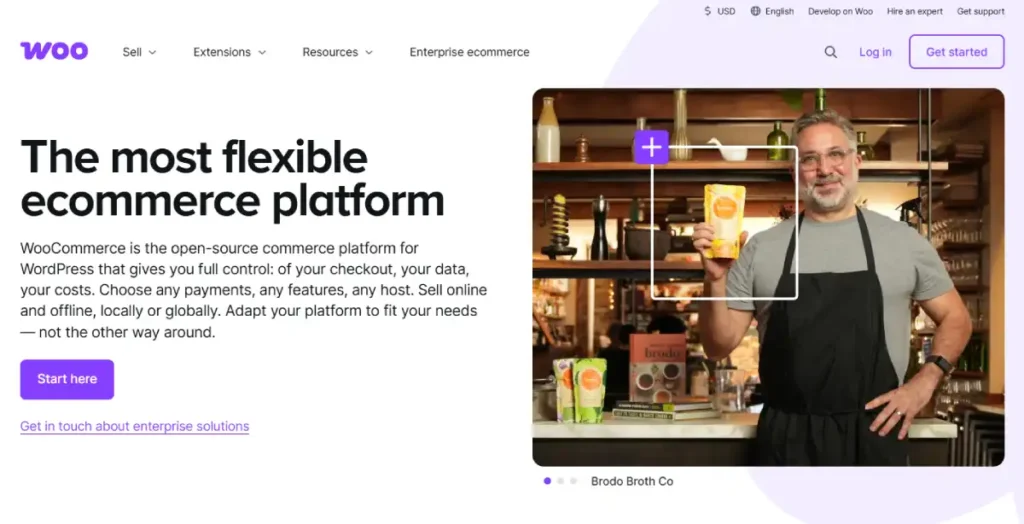
An existing small business is far more likely than a true beginner to already have a WordPress website, some in-house technical comfort, or a budget for a developer, which is exactly what makes WooCommerce viable here in a way it isn’t for a first-time seller. WooCommerce adds full ecommerce functionality directly onto an existing WordPress site rather than requiring a move to a separate platform, which matters if your existing content, blog, or SEO history already lives on WordPress.
Key Features
Adds ecommerce to an existing WordPress site: No need to migrate existing blog content, SEO history, or site structure to a new platform.
Complete URL and code control: Full customization depth for a business with development resources to use it.
No platform transaction fees: Only standard payment gateway fees apply (Stripe: 2.9% + 30 cents), with no additional platform cut.
Unlimited products and variants: No artificial product cap, limited only by hosting capacity.
Massive plugin ecosystem: Thousands of WordPress plugins extend functionality well beyond core ecommerce.
Pros
- Preserves existing WordPress content, SEO equity, and site structure rather than requiring a fresh start elsewhere.
- No platform transaction fees, only standard payment processing costs.
Cons
- Requires separate hosting and ongoing responsibility for updates and security, a real operational cost most fully hosted platforms absorb for you.
- Total cost is less predictable than a flat monthly fee, since hosting, premium plugins, and developer time all factor into the real annual cost.
Who It’s Best For
Established small businesses with an existing WordPress site, in-house technical comfort, or budget for a developer who want maximum control without migrating existing content.
Pricing
Core plugin is free. Realistic total cost including hosting and essential extensions runs $300 to $800/year for a basic store, $800 to $3,000/year for a growing one.
Square Online: Best for Businesses Already Selling In Person

A small business that already processes in-person sales through Square gets the clearest integration story of any platform here: inventory, customer data, and sales reporting sync natively between the physical counter and the online store, avoiding the double-entry problem that running two separate systems creates.
Key Features
Native POS integration: Inventory and sales sync automatically between in-person and online channels for businesses already using Square hardware.
Unified customer and sales reporting: One dashboard covers both online and in-person revenue, avoiding manual reconciliation between systems.
No chargeback fees: A real advantage for a small business with any meaningful dispute rate.
Free plan available: No monthly fee to start, useful for testing the online channel before committing further.
Built-in loyalty and gift card tools: Native features that many competitors require a separate app to replicate.
Pros
- The strongest existing-POS integration story of any platform, avoiding disconnected in-person and online inventory systems.
- No chargeback fees, a real ongoing savings for a business with any dispute volume.
Cons
- The free plan’s 3.3% online processing rate is higher than what the same platform charges on its Plus tier, worth calculating against real online sales volume.
- Store design and customization is less flexible than Shopify, Wix, or Squarespace.
Who It’s Best For
Small businesses already using Square for in-person sales who want their online store to sync natively rather than running two disconnected systems.
Pricing
Free plan available with no monthly fee (3.3% + $0.30 per online transaction). Plus plan is $49/month per location (2.9% + $0.30 online).
Ecwid: Best for Businesses with an Existing Website
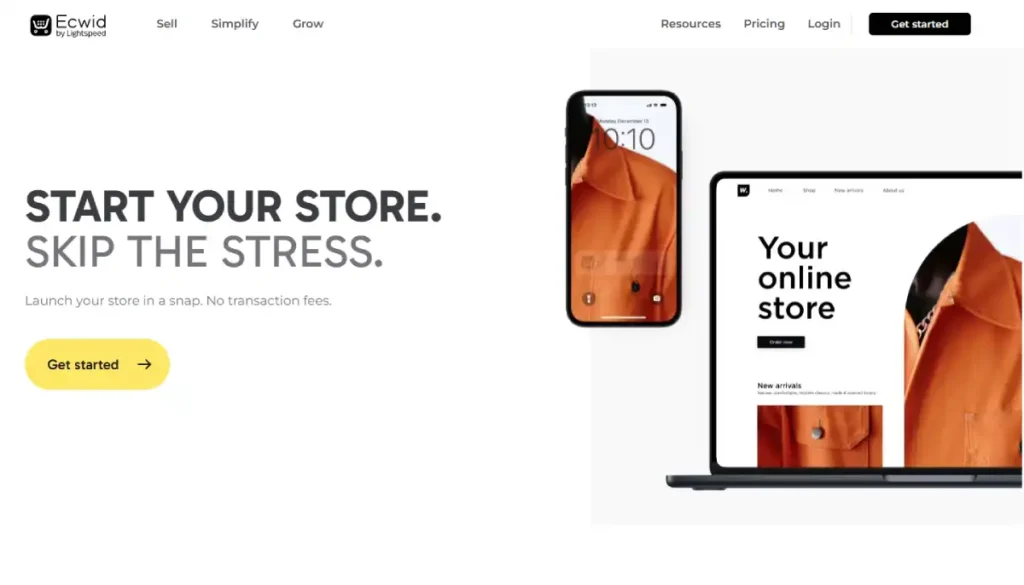
A small business that already has a working website, whether built on WordPress, Wix, or something else entirely, doesn’t need to rebuild it just to add ecommerce. Ecwid embeds a fully functional store into an existing site with a small code snippet, preserving whatever content, branding, and SEO history already exists there.
Our Ecwid review covers its embed model and plan tiers in more depth.
Key Features
Embeds into any existing website: Adds ecommerce without touching the existing site’s structure, content, or SEO history.
Multi-channel selling: Sell the same catalog across a website, Instagram, and Facebook from a single dashboard.
No transaction fees: Only standard payment gateway fees apply on any plan.
Fast implementation: Recognized as one of the fastest ecommerce platforms to get live, relevant for a business wanting to add selling capability quickly.
Scales from free to unlimited: A clear upgrade path from a small test catalog to thousands of products without a platform switch.
Pros
- Preserves an existing website’s content and SEO equity rather than requiring a migration to a new platform.
- No transaction fees on any plan, keeping costs predictable as sales grow.
Cons
- Store design is constrained by the existing website’s structure, less flexible than a dedicated ecommerce platform.
- Feature depth narrows for businesses with more sophisticated inventory or multi-location needs.
Who It’s Best For
Small businesses with an existing website who want to add real ecommerce functionality without a full platform migration.
Pricing
Free for up to 5 products. Venture is $25/month (100 products), Business is $45/month (2,500 products).
Wix: Best for Small, Curated Catalogs Prioritizing Brand Presentation
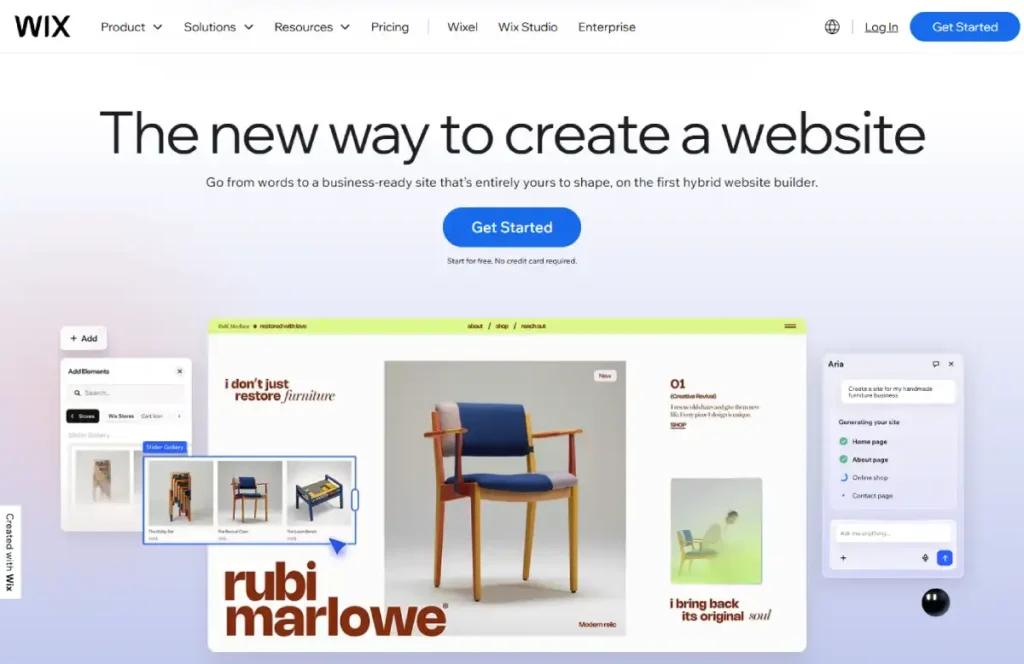
For a small business with a tightly curated product line where visual brand presentation matters more than deep inventory complexity, Wix’s design flexibility remains a real advantage. It’s a narrower fit here than for a true beginner, since an existing business often has more catalog and operational complexity than Wix’s ecommerce depth comfortably handles. Our full Wix review breaks down its broader feature set.
Key Features
Drag-and-drop visual editor: The most flexible layout control of any platform here, useful for a business with a strong existing visual brand.
Wix Payments: No transaction fees when using native payment processing.
Unlimited products: No product cap on business plans, though inventory management tools stay relatively basic.
Built-in marketing tools: Email campaigns and SEO settings included without a separate app subscription.
800+ templates: A large enough library to closely match most existing brand aesthetics.
Pricing
Business plans start at $29/month, with no transaction fees via Wix Payments.
Costly Missteps Small Businesses Make
Migrating Everything at Once Without a Rollback Plan
Moving an existing catalog, customer list, and order history to a new platform in a single cutover risks real business disruption if something breaks. Run the new platform in parallel with the existing system for at least one full sales cycle before fully switching over.
Choosing a Platform Based on Marketplace Habits Alone
A business currently selling well on Etsy or Amazon may assume the same platform-agnostic products will perform identically on an owned store. Marketplace traffic and owned-store traffic behave differently, and a platform choice should account for the marketing work required to drive traffic to a new, independent store.
Underestimating Data Migration Time
Product catalogs, customer emails, and order history migration is real, unglamorous work that takes longer than most merchants budget for. Treat it as a distinct project phase, not an afterthought squeezed into a weekend.
Picking the Platform with the Lowest Sticker Price Without Checking Fee Structures
A $25/month plan with a 2% transaction fee can cost more at real small-business revenue than a $39/month plan with zero transaction fees. Calculate total monthly cost at your actual expected revenue, not just the advertised base price.
How to Choose eCommerce Platform for a Small Business
If you’re currently selling across multiple disconnected channels and want one system to manage all of them, Shopify’s consolidation story is the strongest fit.
If your revenue is consistent enough that transaction fees add up to real money each month, BigCommerce’s zero-fee structure is worth its steeper learning curve.
If you already have a WordPress site, in-house technical comfort, or budget for a developer, WooCommerce preserves your existing content and gives you the most long-term control.
If you already sell in person through Square, Square Online avoids running two disconnected inventory systems.
If you have an existing website you don’t want to rebuild, Ecwid adds ecommerce without a migration.
FAQ’s
What’s the best ecommerce platform for a small business that already sells in person?
Square Online has the strongest native integration for businesses already using Square for in-person sales, since inventory and sales data sync automatically between channels. Shopify POS is a strong alternative if you’re also consolidating social and marketplace selling into the same system.
Should a small business use WooCommerce or Shopify?
It depends on existing technical comfort and whether you already have a WordPress site. WooCommerce preserves existing content and offers more long-term control but requires managing hosting and updates yourself.
Shopify is faster to operate day-to-day but comes with a flat monthly cost and, on lower plans, a transaction fee if you skip Shopify Payments.
How do I migrate my existing product catalog to a new platform?
Most platforms offer CSV import tools or dedicated migration services for common source platforms. Budget real time for this, not just a weekend, and run the new platform in parallel with your existing system for at least one sales cycle before fully switching over.
Is it worth paying more for a platform with zero transaction fees?
It depends on your revenue. At low sales volume, a 1-2% transaction fee is a small dollar amount.
At consistent, meaningful monthly revenue, that percentage compounds into real money, at which point a platform like BigCommerce with zero transaction fees can be the cheaper option despite a higher base price.
Can I keep selling on Etsy or Amazon while also running my own store?
Yes, and most established small businesses do exactly this. Shopify and BigCommerce both support connecting to major marketplaces alongside an owned store, letting you manage inventory across channels without manually duplicating listings.
What’s the difference between this guide and a best platform for beginners guide?
This guide assumes you already have a business, whether that’s in-person sales, an existing website, or a marketplace presence, and evaluates platforms on how well they connect to what you already have. A beginner guide assumes no existing operation and ranks purely on setup speed for a first-time seller.
Final Thoughts
For an established small business, the platform decision is really an integration decision: which system connects to what you already have without forcing a disruptive rebuild.
- Shopify offers the strongest multi-channel consolidation
- BigCommerce the strongest cost advantage at consistent revenue
- WooCommerce the most control for businesses with existing WordPress content or technical resources.
If you’re still deciding whether your business has outgrown a true beginner setup, the Shopify for small business guide and our WooCommerce review are good next stops before committing to a platform.