
Search for best Shopify apps and you will find lists of 15, 20, even 30 apps with no context for who each one is actually for. A new store launching its first product and a seven-figure brand running a subscription program have almost nothing in common, yet most roundups give both the same list.
The right question isn’t which apps exist. It’s which apps does my store need right now.
An app that’s essential at $50,000 a month in revenue can be a waste of money and page speed at $2,000 a month, and the reverse is just as true. This guide organizes 17 of the Shopify App Store’s best picks by category, and tags each one with the store stage where it actually earns its cost.
In this guide, you’ll learn which apps to install at launch, which ones to add once you’re growing, which to hold off on until you’re scaling, and which common recommendations cost more than they return at any stage.
Key Takeaways
- The Shopify App Store lists over 8,000 apps. These 17 cover every stage of growth, but a healthy store runs only 5 to 10 of them at once, not all 17 simultaneously.
- Store stage changes the right answer more than category does. Omnisend’s free tier is right for a launch-stage store; Recharge’s revenue-based subscription fees only make sense once you have real subscription volume.
- All-in-one bundles like Vitals trade feature depth for convenience, and some merchants report unexpected usage-based charges on top of the flat monthly fee, so confirm current billing terms before installing.
- Judge.me is the highest-value review app on the Shopify App Store in 2026: a genuinely functional free plan, with a flat $15/month tier that undercuts most competitors by a wide margin.
- Loyalty apps like Smile.io and LoyaltyLion bill by monthly order volume. Installing one before you have consistent repeat-purchase volume means paying for a feature you can’t use yet.
Quick Comparison: 17 Apps by Category and Stage
| App | Category | Best Stage | Starting Price |
|---|---|---|---|
| Judge.me | Product reviews | All stages | Free / $15/mo flat |
| ReConvert | Post-purchase upsell | Starter to growing | Free under 50 orders/mo / $7.99+/mo |
| Shopify Inbox | Live chat | Starter | Free |
| TinyIMG | Image optimization and SEO | Starter | 50 free images/mo / $9.99+/mo |
| AfterShip | Order tracking | Starter to growing | Free 50 shipments/mo / $11+/mo |
| Omnisend | Email and SMS (budget) | Starter to growing | Free up to 250 contacts / $16+/mo |
| Printful | Print-on-demand fulfillment | Starter | Free to install / $24.99+/mo |
| Klaviyo | Email and SMS (advanced) | Growing to scaling | Free up to 250 contacts / $20+/mo |
| PageFly | Page builder | Growing to scaling | Free (1 slot) / $24+/mo |
| Smile.io | Loyalty and rewards | Growing to scaling | Free under 200 orders/mo / $15+/mo |
| Seal Subscriptions | Subscriptions (low volume) | Growing | $5.95+/mo |
| Gorgias | Customer support helpdesk | Growing to scaling | $10+/mo (ticket-based) |
| Loox | Visual photo reviews | Growing | Free trial / $39.99+/mo (Scale plan) |
| Recharge | Subscriptions (high volume) | Scaling | $99+/mo plus revenue share |
| Vitals | All-in-one conversion bundle | Situational | No free plan / $29.99+/mo |
| LoyaltyLion | Enterprise loyalty | Scaling | $199+/mo for 500 orders/mo |
| Postscript | SMS marketing at scale | Scaling | Usage-based, quote required |
How These Apps Were Evaluated
I built this list by weighing each app against five criteria: Shopify App Store rating and review volume, pricing structure and how it scales with order volume, page speed impact, integration depth with other tools in a typical stack, and whether the core function can be replaced by a native Shopify feature at no cost.
Each pick was cross-referenced against the Shopify’s transaction fees breakdown and Shopify’s real limitations to confirm it addresses a genuine platform gap rather than duplicating something Shopify already does natively. Apps with a documented history of billing disputes or abandoned support were excluded or flagged so you know what to watch for.
Starter Stage: Apps to Install at Launch
At launch, your app budget should go toward the functions Shopify doesn’t handle natively and nothing else. Every dollar and every millisecond of page speed matters more when you have no traffic history to justify the spend.
Judge.me: Best for Product Reviews at Every Stage
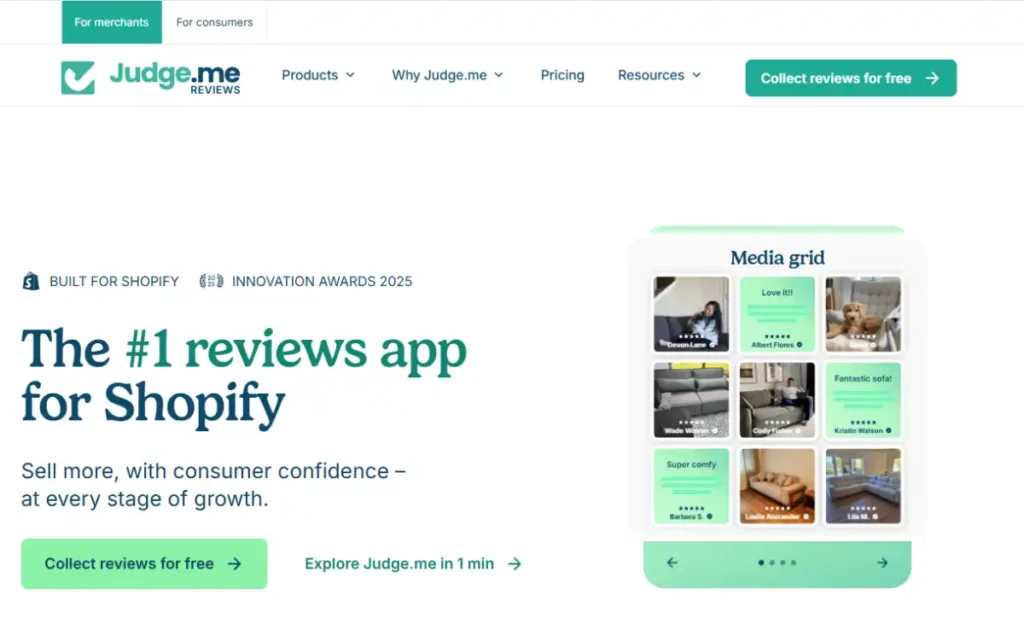
Shopify discontinued its native Product Reviews app in 2024 and now directs merchants to third-party alternatives, which makes a reviews app a functional requirement rather than an optional add-on. Judge.me has become the default answer: it’s the most-reviewed app in the entire Shopify App Store, with a free plan that includes unlimited review requests, photo and video reviews, and Google rich snippets.
The $15/month Awesome plan adds Q&A, custom request forms, product grouping across variants, and deeper styling control. Unlike most competitors, Judge.me doesn’t scale pricing with order volume.
You pay the same $15/month whether you process 50 orders or 5,000, which makes it one of the few Shopify apps that gets more valuable, not more expensive, as you grow.
Key Features
Automated review request emails: Sends review requests after delivery (not just fulfillment), which measurably improves response rates compared to requesting immediately after an order ships.
Photo and video reviews: Collects and displays visual reviews on the free plan, a feature many competitors gate behind a paid tier.
Rich snippet SEO: Adds structured data so star ratings appear directly in Google search results, without a separate SEO app.
Multi-channel syndication: Pushes reviews to Google Shopping, Meta, and TikTok Shop automatically.
Migration tool: Imports existing reviews from Loox, Yotpo, Stamped, or Shopify’s discontinued native reviews with verified-buyer status preserved.
Pros
- The free plan is genuinely usable long-term, not a crippled trial. Most competitors charge $19 to $49/month for photo reviews and rich snippets that Judge.me includes free.
- Flat $15/month pricing regardless of order volume means the app doesn’t get more expensive as your store succeeds.
Cons
- Judge.me ended support for BigCommerce and other platforms in 2024 and is now Shopify-exclusive, so it’s not a portable choice if you plan to migrate platforms later.
- Product grouping across color or size variants requires the paid Awesome plan, which matters for stores that split similar products into separate listings.
Who It’s Best For
Every Shopify store, from pre-launch to enterprise. There’s no revenue threshold where Judge.me stops making sense, which is unusual in a category where most tools are priced to punish growth.
Pricing
Free forever plan with unlimited reviews. Awesome plan is a flat $15/month, with no order-volume-based scaling.
ReConvert: Best for Post-Purchase Upsells
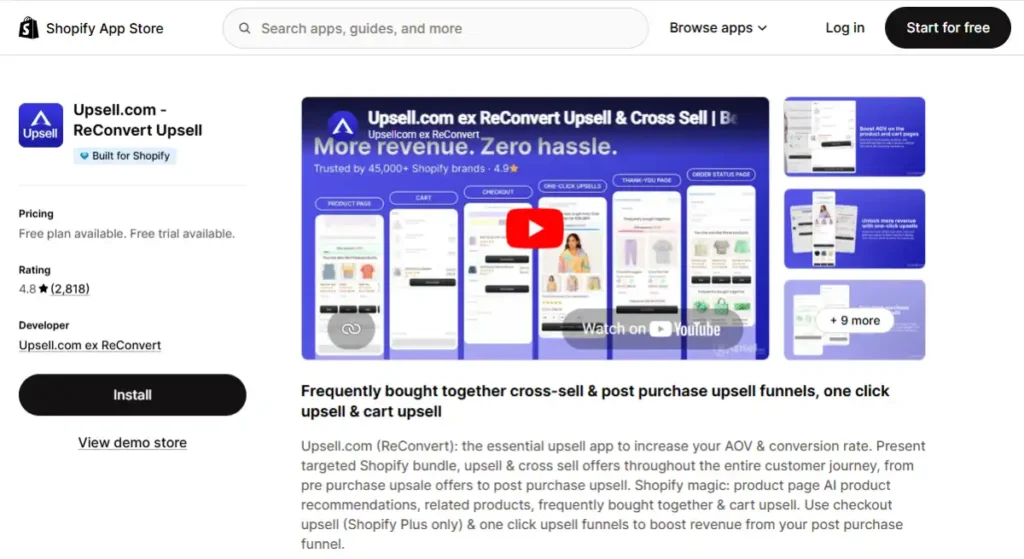
The order confirmation page is the highest-attention moment in the entire customer journey, and most Shopify stores leave it completely unmonetized. ReConvert customizes that thank-you page with one-click upsells, related product offers, and reorder buttons, letting customers add to their order without re-entering payment details.
Merchants commonly report a 5 to 10% lift in average order value after adding a post-purchase upsell flow, and because the offer appears after checkout is already complete, it adds zero friction to the primary purchase.
Key Features
One-click post-purchase upsells: Customers accept an additional offer with a single click, using the payment method already on file.
Thank-you page customization: Add reorder buttons, birthday capture forms, and related product blocks without editing theme code.
Countdown timers: Create urgency on limited-time upsell offers directly on the confirmation page.
Behavioral targeting: Show different upsell offers based on what the customer just purchased.
Pros
- The free tier covers stores under 50 orders per month completely, making it a genuinely no-cost way to test whether post-purchase upsells work for your catalog.
- Setup requires no coding and no theme edits, so it’s realistic for a solo store owner to configure in under an hour.
Cons
- Pricing scales with order volume, so a growing store will move through paid tiers relatively quickly compared to flat-fee apps like Judge.me.
- The upsell only works if you have a genuine complementary product to offer. A single-SKU store gets limited value from this category.
Pricing
Free for stores with fewer than 50 orders/month. Paid plans start at $7.99/month for up to 99 orders and $14.99/month for up to 199 orders, scaling with volume beyond that.
Shopify Inbox: Best for Free Live Chat at Launch
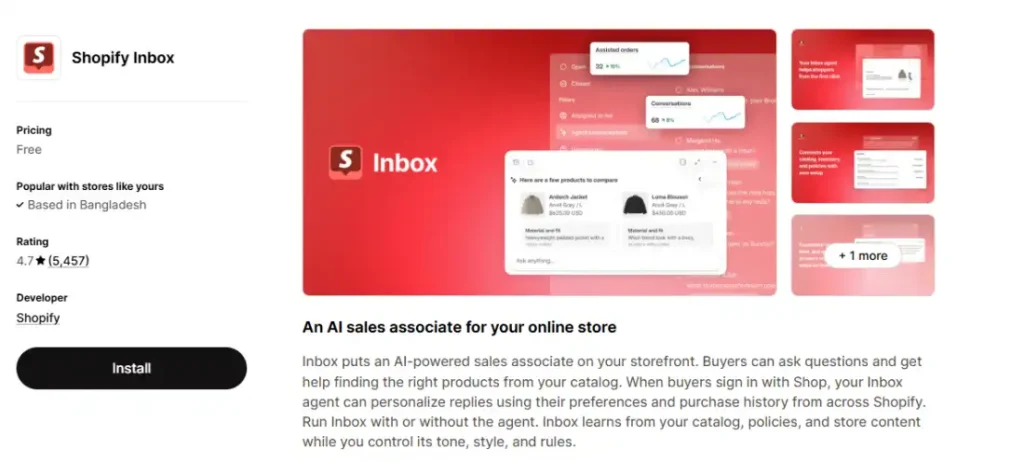
Shopify Inbox is Shopify’s own native live chat app, worth installing on nearly every new store simply because it costs nothing and takes ten minutes to activate. It connects storefront chat, Shopify’s Shop app messaging, and basic automated FAQ responses in one inbox, without a third-party subscription.
It’s not a full helpdesk. There’s no ticketing, no multi-channel email routing, and no AI agent beyond simple saved replies.
That’s exactly why it belongs at the starter stage and not beyond it: a brand-new store doesn’t yet have the support ticket volume that would justify Gorgias’s ticket-based pricing, and Inbox covers the basic pre-purchase question use case for free.
Key Features
Unified storefront and Shop app chat: Manage live chat from your website and messages from the Shop app in a single inbox.
Saved replies: Set up quick, reusable answers to common pre-purchase questions like sizing or shipping times.
Customer and cart context: See what a visitor has in their cart and their order history directly alongside the conversation.
Automated FAQ responses: Answer common questions automatically before a human needs to step in.
Pricing
Free, included with every Shopify plan.
Tiny SEO Speed Image Optimizer: Best for Image Optimization and Store Speed
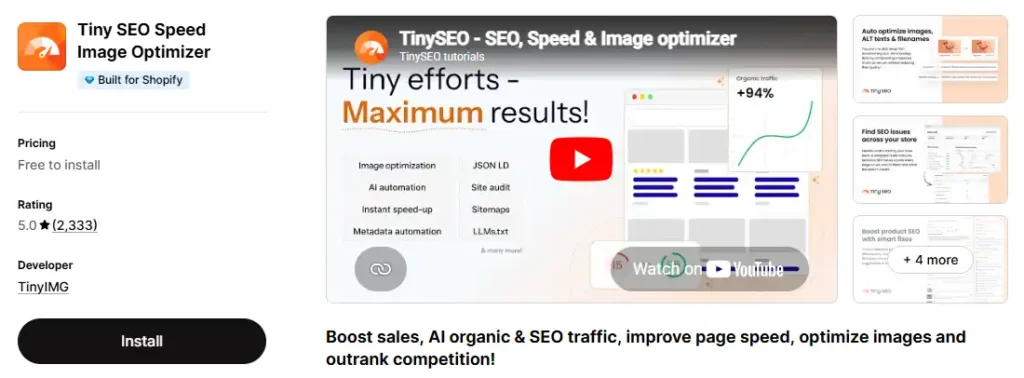
Product photography drives conversion, but large, uncompressed images are one of the most common causes of slow Shopify storefronts. TinyIMG automatically compresses images on upload, adds lazy loading, and runs a one-click SEO audit that flags empty title tags, missing alt text, and broken links.
There’s no true free plan, but the pay-as-you-go tier includes 50 free image optimizations a month, which covers a new store’s initial catalog upload. The Pro plan at $9.99/month adds unlimited optimization, bulk metadata editing, and structured data for SEO.
Key Features
Automatic image compression: Compresses images on upload without manual work, reducing page weight across product and collection pages.
Lazy loading: Defers off-screen images until a visitor scrolls to them, cutting initial page load time.
One-click SEO audit: Flags empty title tags, missing alt text, and broken links across your storefront.
Bulk metadata editing: Edit alt text and titles across many products at once instead of one at a time.
Pros
- Automatic optimization on upload means you don’t have to remember to compress images before adding new products.
- The SEO audit catches technical issues (missing alt text, broken redirects) that most store owners never check manually.
Cons
- The free tier is capped at 50 image optimizations a month, which a store adding new products regularly will exceed quickly.
- Image optimization alone won’t fix a slow theme; it addresses one input to page speed, not the whole picture.
Pricing
50 free image optimizations per month on the pay-as-you-go tier. Pro plan is $9.99/month with unlimited optimization and full SEO tools.
AfterShip: Best for Branded Order Tracking
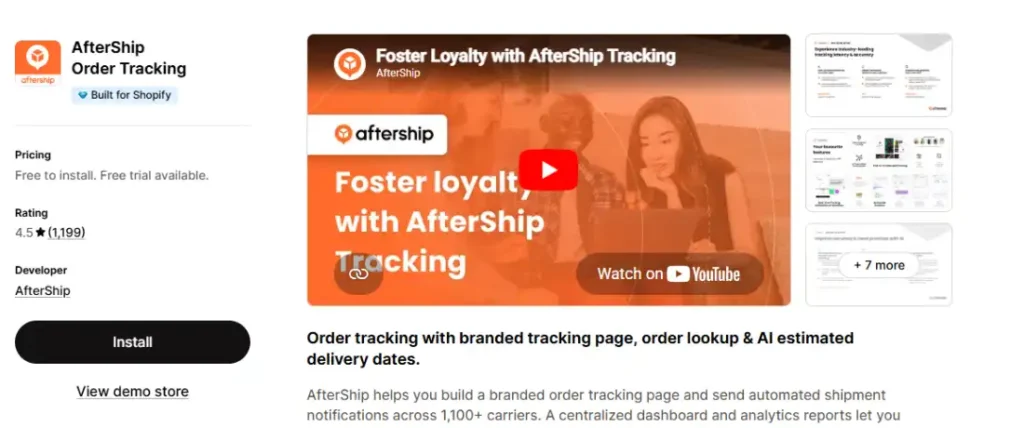
Where is my order is one of the most common support tickets a new store receives, and AfterShip solves it by giving customers a branded tracking page with real-time carrier updates instead of a generic carrier link. It connects with over 1,100 carriers and sends proactive shipping notifications by email and SMS.
The free plan covers 50 shipments a month, enough to validate the feature before paying. One honest caution worth flagging: some long-time users have reported features quietly moved to higher tiers without notice, so review the current plan details directly before relying on a specific feature long-term.
Key Features
Branded tracking page: Replace a generic carrier link with a tracking page styled to match your store.
1,100+ carrier coverage: Track shipments across nearly any carrier a customer might encounter, without manual carrier setup.
Proactive notifications: Send automated email and SMS updates as a shipment moves, reducing inbound where-is-my-order tickets.
Delivery estimate widget: Show an AI-powered estimated delivery date on product and checkout pages to set expectations before purchase.
Pros
- Branded tracking pages reduce WISMO support tickets meaningfully, freeing up time for a solo store owner handling support alone.
- Broad carrier coverage (1,100+) means it works regardless of which shipping carriers you use.
Cons
- The jump from Essentials ($11/month) to Pro ($119/month for 2,000 shipments) is steep, and some features have reportedly moved between tiers without advance notice.
- Free plan is capped at 50 shipments a month, a low ceiling once order volume grows past the earliest weeks.
Pricing
Free plan for up to 50 shipments/month. Essentials starts at $11/month, scaling to Pro at $119/month for 2,000 shipments.
Omnisend: Best Budget-Friendly Email and SMS for New Stores
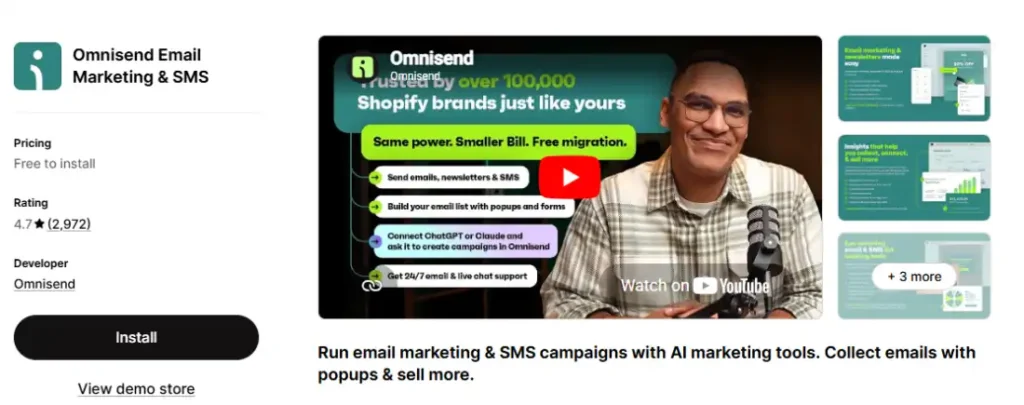
Omnisend gives a launch-stage store multi-channel marketing (email, SMS, and push notifications) in one platform without Klaviyo’s steeper learning curve or pricing climb. Its free plan covers 250 contacts and 500 emails a month, enough to start building automated welcome and abandoned cart flows from day one.
Omnisend is generally the stronger pick over Klaviyo for a store’s first few months specifically because the ramp-up is faster and the free tier’s limits are more forgiving relative to what a brand-new list actually needs.
Key Features
Multi-channel automation: Combine email, SMS, and push notifications in a single automated workflow, such as an abandoned cart flow that emails first and follows up by text.
Pre-built ecommerce workflows: Ready-made automation templates for cart abandonment, welcome series, and post-purchase upsells specific to Shopify order data.
Product picker in campaigns: Pull live product data, including images and prices, directly into email campaigns without manual entry.
Signup forms and popups: Build list-growth forms without a separate popup app.
Pros
- Multi-channel automation (email, SMS, push) is included from the free tier, not gated behind a higher-priced plan.
- Faster setup than Klaviyo for a first-time user, with pre-built ecommerce workflow templates ready to activate.
Cons
- Segmentation and reporting depth fall short of Klaviyo once your list and behavioral data grow more complex.
- SMS credits are billed separately from the base subscription, so real monthly cost is higher than the advertised plan price alone.
Pricing
Free up to 250 contacts and 500 emails/month. Standard plan starts at $16/month for 500 contacts; the Pro plan at $59/month sends unlimited emails.
Printful: Best for Print-on-Demand Fulfillment
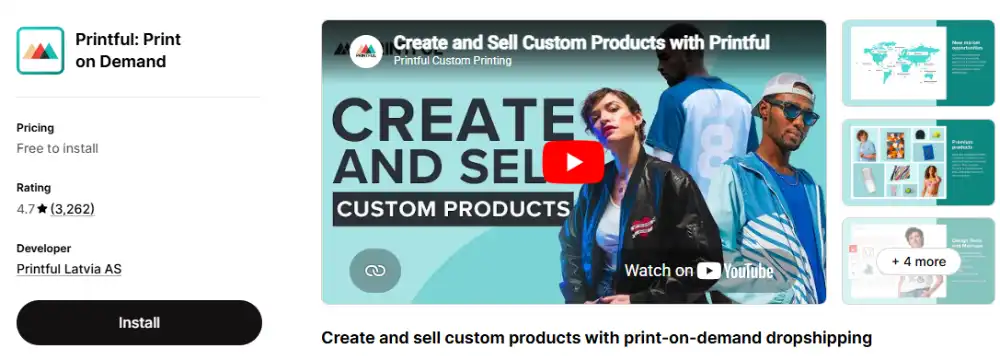
If your store sells custom-printed products, Printful removes the inventory risk entirely: you design the product, and Printful prints, packs, and ships it only when a customer orders. There’s no upfront cost and no minimum order quantity, which is exactly the kind of risk profile a starter-stage store needs.
Quality stays consistent because Printful produces in-house rather than routing through a marketplace of third-party print shops, and reshipment rates for damaged or misprinted orders stay low as a result.
Key Features
Zero-inventory fulfillment: Products are printed and shipped only after a customer orders, with no upfront stock purchase.
In-house production: Printful manufactures products directly rather than routing orders through third-party print shops, keeping quality more consistent.
Automatic order sync: New Shopify orders route to Printful automatically for printing and fulfillment, with no manual order entry.
Mockup generator: Create product photos and mockups directly in Printful before a single unit is printed.
Pricing
Free to install, with no monthly fee and no order minimums; you pay for fulfillment per order. The optional Growth plan is $24.99/month (14-day free trial) for discounted product pricing and branding options.
Growing Stage: Apps Worth Adding Once You Have Traction
Once a store has consistent order volume and repeat customers, it’s worth adding tools that require enough data or order history to actually deliver value. Installing these too early means paying for a feature with nothing yet to optimize.
Klaviyo: Best for Email and SMS Marketing at Scale
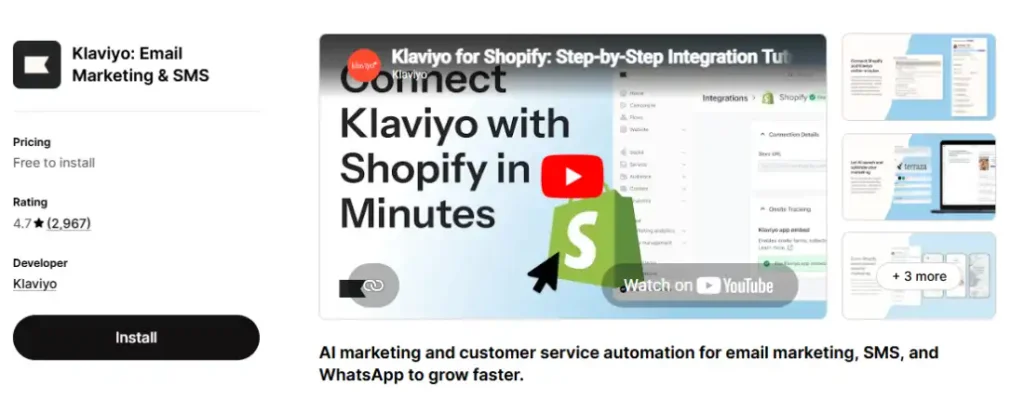
Klaviyo is the marketing automation platform most Shopify stores eventually standardize on, and for good reason: it integrates natively with Shopify order and customer data, letting you build segments based on actual purchase behavior rather than generic list membership.
The free tier covers up to 250 contacts, which is enough to validate whether email marketing is driving revenue before committing to a paid plan. Once you cross that threshold, pricing climbs based on contact count and email volume, with SMS billed as a separate add-on starting at $5/month for 150 numbers.
Key Features
Behavior-based segmentation: Build segments from purchase history, browsing behavior, and email engagement, not just static list membership.
Pre-built automation flows: Abandoned cart, welcome series, post-purchase, and win-back flows ship as templates you customize rather than build from scratch.
Revenue attribution reporting: Shows exactly how much revenue each email and flow generated, tied directly to Shopify order data.
SMS integration: Combine email and SMS in a single automated flow without switching platforms.
Pros
- Deep native Shopify integration means segmentation and reporting reflect real purchase data immediately, with no manual data mapping required.
- The free tier is functional enough to prove ROI before paying, which matters for a growing store watching every line of the budget.
Cons
- Pricing climbs faster than some competitors as your contact list grows, and the learning curve for advanced segmentation is steeper than simpler tools.
- SMS is billed separately from the base plan, so the real monthly cost is higher than the advertised email-only price once you add texting.
Who It’s Best For
Growing Shopify stores that have moved past basic newsletters and want purchase-behavior-based automation. The right time to move from Omnisend to Klaviyo is when segmentation complexity, not list size alone, starts limiting what you can do.
Pricing
Free up to 250 contacts. Paid plans start around $20/month at 500 subscribers.
SMS starts at $5/month for 150 numbers, billed separately.
PageFly: Best for Custom Landing Pages and Conversion Testing
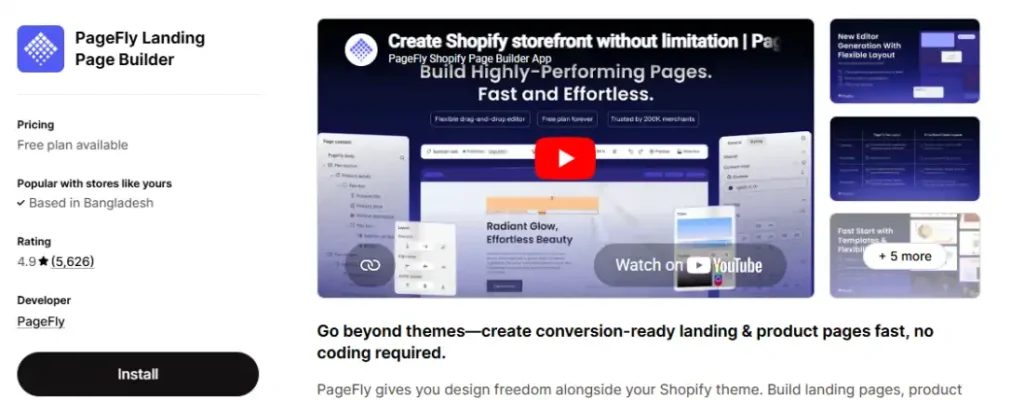
Shopify’s native theme editor is fine for standard product and collection pages, but it hits real limits once you want a dedicated landing page for a promotion, a comparison page, or a conversion-optimized product page with testimonials and countdown timers built in. PageFly is the most-reviewed page builder on the Shopify App Store, with over 5,700 reviews at a 4.9 rating.
The free plan includes one published page slot with full access to the drag-and-drop editor, which is enough to test whether a dedicated landing page improves conversion before paying. Paid tiers unlock more page slots, A/B testing, and AI-assisted page generation.
Key Features
Drag-and-drop editor: Build custom pages with 320+ templates and sections, no coding required.
A/B testing: Publish two page variants and measure which converts better, available on paid tiers.
200+ integrations: Connect reviews, countdown timers, and upsell widgets directly inside the page builder.
AI page generation: Describe the page you want and get a generated structure to refine, available even on the free plan.
Pros
- The free plan delivers full editor functionality on one page slot, letting you build and test a genuine landing page at zero cost before committing.
- The largest review base of any Shopify page builder means extensive documentation and a mature integration ecosystem.
Cons
- Adding a page builder introduces an extra layer of code on top of your theme. Heavy use of embedded widgets and images can add measurable load time if pages aren’t optimized.
- Some merchants have reported unexpected changes to store navigation or product content after theme updates, so review page settings after any theme change.
Who It’s Best For
Growing stores running paid traffic to dedicated landing pages, or stores that need a highly customized product page beyond what the theme editor supports.
The best Shopify themes guide covers which themes need a page builder least.
Pricing
Free plan with 1 page slot. Builder plan is $24/month, Optimize is $69/month with A/B testing, and Accelerate is $99/month with unlimited slots.
Smile.io: Best for Loyalty and Repeat Purchase Programs
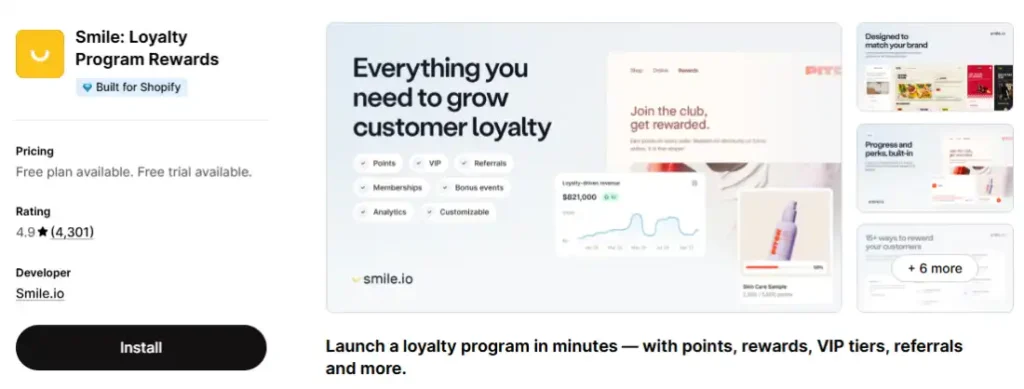
Acquiring a new customer costs significantly more than retaining an existing one, which makes a loyalty program one of the higher-leverage additions once a store has real repeat-purchase data to work with. Smile.io is the most widely installed loyalty app on Shopify, combining points, VIP tiers, and referral rewards in a single branded program.
The free plan covers stores under 200 monthly orders, which is a meaningful constraint: a store that’s actively growing can cross that threshold within a few months of launching the program. Pricing is order-volume-based rather than flat, so calculate your 12-month order trajectory before choosing a tier, not just your current monthly count.
Key Features
Points and VIP tiers: Reward purchases, account creation, and referrals with points, and unlock escalating VIP perks as customers spend more.
Checkout-embedded redemption: Customers can apply points directly at checkout without leaving the flow, which matters for actual redemption rates.
In-store and online sync: Points earn and redeem consistently across Shopify POS and online, useful for hybrid retail brands.
Deep integrations: Connects natively with Klaviyo, Judge.me, Gorgias, and Recharge for a unified customer profile.
Pros
- Checkout-embedded redemption and omnichannel sync are more mature than most competing loyalty apps at a comparable price point.
- The free plan is a real starting point, not a stripped demo, for stores under the 200-order threshold.
Cons
- Pricing is based on monthly order volume, and several merchants have reported being pushed into a higher tier faster than expected once volume crosses a threshold. Project your order count 12 months out, not just today’s number, before committing to a tier.
- VIP tiers and points expiry are gated to the Growth plan at $199/month, which is a meaningful jump for a mid-size store that only needs a basic points program.
Who It’s Best For
Stores with consistent repeat-purchase behavior and at least a few months of order history. Installing this before you have that data means paying for optimization you can’t measure yet.
Pricing
Free plan for up to 200 monthly orders. Paid plans start at $15/month (Essential), rising to $79/month (Standard), $199/month (Growth), and $999/month (Plus) as order volume and feature needs grow.
Seal Subscriptions: Best for Testing Recurring Revenue on a Budget
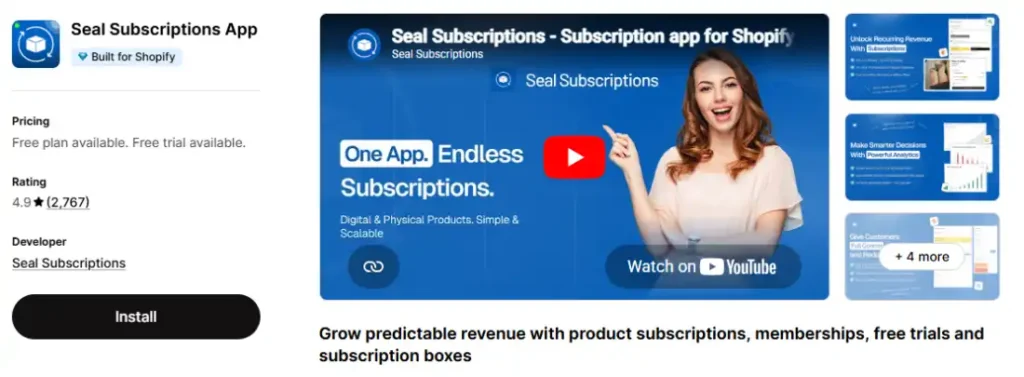
Before committing to Recharge’s base fee plus revenue-share pricing, Seal Subscriptions lets a growing store test whether recurring billing works for its catalog at a flat $5.95/month with no percentage of subscription revenue taken. It covers the core mechanics: recurring charges, customer self-management, and basic subscription analytics.
It won’t match Recharge on advanced bundle logic or deep customer support tooling, but for a store still validating product-market fit for a subscription offer, that tradeoff is usually the right one.
Key Features
Recurring billing: Automatically charges customers on a set schedule, with configurable frequency options.
Customer self-management portal: Let subscribers pause, skip, or cancel their own subscription without contacting support.
Subscription analytics: Basic reporting on active subscribers, churn, and recurring revenue.
No revenue-share fee: Flat monthly pricing regardless of subscription revenue processed.
Pricing
Starts at $5.95/month, with no revenue-share fee.
Gorgias: Best for Customer Support Once Ticket Volume Grows
Once a growing store’s support volume outpaces what Shopify Inbox can handle, Gorgias is the natural upgrade. It’s Shopify’s Premier Partner for customer experience, and its defining feature is that a customer’s order history, tracking status, and account details sit directly inside the support ticket, so an agent can refund, cancel, or edit an order without leaving the helpdesk.
Pricing is ticket-based rather than seat-based, starting at $10/month for 50 tickets, which is genuinely useful for a store with seasonal support spikes since you’re not paying for idle agent seats in the off-season. The AI Agent add-on, priced separately at roughly $0.90 to $1.00 per resolution, can auto-handle common where-is-my-order questions, but it’s worth adding only once ticket volume is high enough that the per-resolution fee is clearly cheaper than the agent time it replaces.
Key Features
In-ticket order actions: Refund, cancel, duplicate, or edit a Shopify order directly from the support ticket, without switching to the Shopify admin.
Omnichannel inbox: Consolidate email, live chat, social media, and SMS into a single ticket queue.
AI Agent automation: Auto-resolves common WISMO, return, and cancellation requests using live Shopify order data.
Macros and rules: Build canned responses that pull in live customer and order details, and automate tagging or routing based on ticket content.
Pros
- Order data lives directly inside the ticket, letting an agent refund, cancel, or edit an order without switching to the Shopify admin.
- Ticket-based pricing avoids paying for unused seats during slow months, which suits a growing store with uneven support volume.
Cons
- The AI Agent add-on bills per resolution on top of the base ticket fee, and several merchants report the combined cost becoming unpredictable during high-volume periods.
- Ticket-based pricing can get expensive quickly for a store with high volumes of low-value, repetitive inquiries rather than complex order issues.
Pricing
Starts at $10/month for 50 tickets, scaling with ticket volume. The AI Agent is a separate add-on at roughly $0.90 to $1.00 per resolution.
Loox: Best for Visual-First Photo Reviews
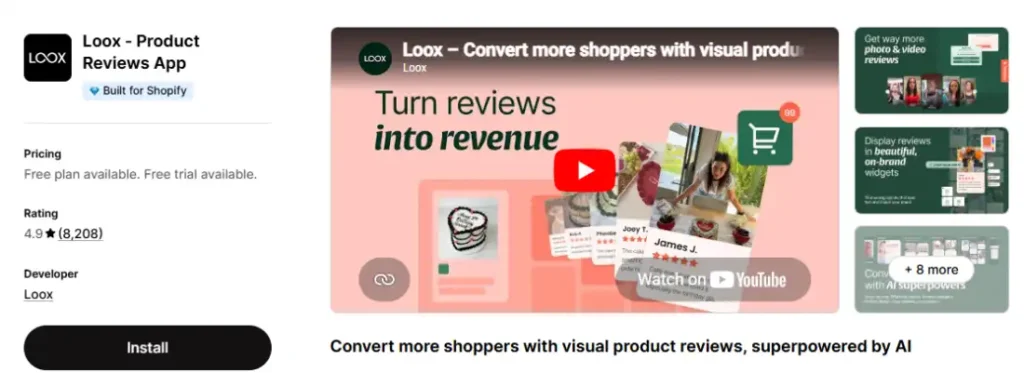
Where Judge.me competes on price and flat-fee simplicity, Loox competes on aesthetics. Its review widgets and photo galleries are the most polished in the category, and it specifically incentivizes customers to submit photo reviews with automatic discount codes, which fashion, beauty, and home goods brands tend to find worth the premium.
The tradeoff is straightforward: Loox’s Scale plan (needed for product grouping across variants) runs $39.99/month, well above Judge.me’s flat $15/month for the equivalent feature. Loox is worth reaching for specifically when the visual polish of the widget itself is a brand priority, and Judge.me otherwise.
Key Features
Photo and video review galleries: Displays customer photos and videos in polished, shoppable-style carousel widgets.
Discount-triggered photo reviews: Automatically offers a discount code to customers who submit a photo or video review.
Referral program: Built-in referral rewards for customers who share the store with friends.
Customizable widget styling: Match review widgets to your brand’s visual identity with more design control than most competitors.
Pricing
Free trial available; paid plans scale by order volume, with the Scale plan (product grouping included) at $39.99/month.
Scaling Stage: Apps for High-Volume Operations
At scale, the calculation changes. Flat-fee tools that were perfect for a starter store may now be worth replacing with dedicated, deeper platforms, and revenue-share pricing models that looked expensive at low volume start to make more sense against the value they unlock.
Recharge: Best for High-Volume Subscription Programs
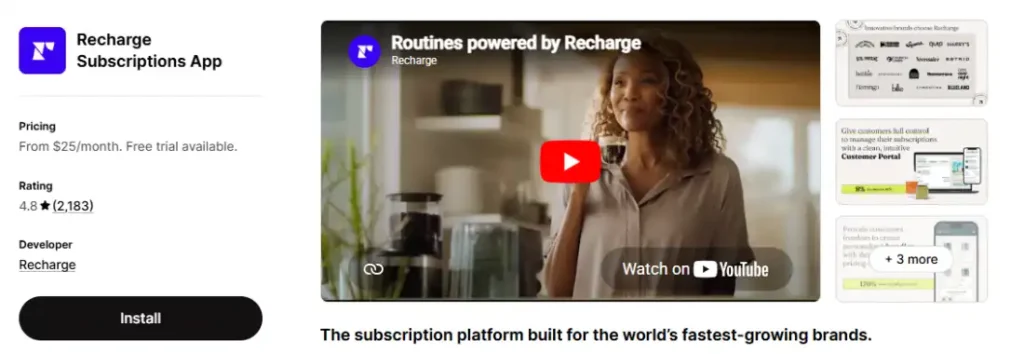
Recharge is the subscription infrastructure most scaling Shopify brands eventually adopt, handling recurring billing, failed payment recovery, subscription management (skip, swap, pause, cancel), and bundled subscription offers at a depth that lighter tools don’t match.
Its pricing model combines a base monthly fee with a percentage of subscription revenue, typically in the 1% to 1.5% range. That structure is expensive relative to a flat-fee tool when your subscription revenue is small, but it scales proportionally rather than requiring a plan upgrade at an arbitrary volume cutoff, which suits stores where subscriptions are a core, growing revenue line rather than a side feature.
Key Features
Subscription management portal: Customers can skip, swap, pause, or cancel their own subscription without contacting support.
Failed payment recovery: Automatically retries failed subscription charges using configurable retry logic, recovering revenue that would otherwise churn.
Bundle and build-a-box subscriptions: Let customers customize recurring boxes rather than locking them into a fixed subscription SKU.
Deep analytics: Tracks subscriber lifetime value, churn rate, and retention cohorts specific to recurring revenue, not just one-time order metrics.
Pros
- Subscription management depth (skip, swap, bundle customization) is more advanced than most lower-cost alternatives, which matters once subscriber support volume grows.
- Percentage-based pricing scales with your subscription revenue rather than requiring a plan upgrade at an arbitrary order count.
Cons
- The combination of a base fee plus a percentage of subscription revenue makes Recharge one of the more expensive options in this category once volume is high, and the real monthly cost is harder to predict than a flat-fee competitor.
- For a store just testing whether subscriptions work for its catalog, the base fee alone is a real cost before any subscription revenue exists to offset it. Seal Subscriptions is the better starting point at that stage.
Who It’s Best For
Scaling stores where subscriptions are a meaningful, growing part of total revenue and the customer-facing management portal needs to handle real support volume without manual intervention.
Pricing
Plans start around $99/month plus roughly 1% to 1.5% of subscription revenue processed.
LoyaltyLion: Best for Enterprise Loyalty Programs
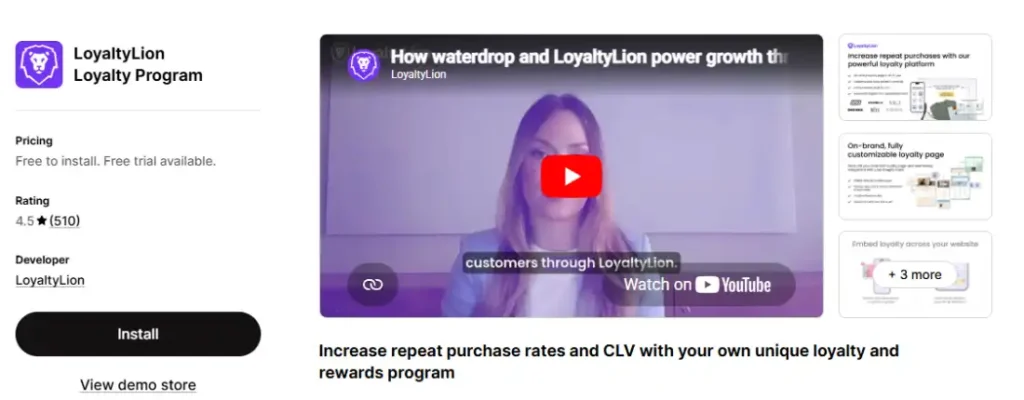
Where Smile.io covers most stores well, LoyaltyLion is built specifically for fast-growth and Shopify Plus brands running loyalty across online, in-store, and third-party channels at once. Its earning rules, VIP tier logic, and AI-recommended reward timing are more configurable than Smile’s comparable tiers, and it supports automated translation into 130-plus languages for international brands.
That depth comes at a meaningfully higher entry price: the Classic plan starts at $199/month for 500 orders, roughly the same price as Smile.io’s Growth tier, but aimed squarely at brands that have already outgrown a simpler points program and need dedicated onboarding support to launch it well.
Key Features
Configurable earning rules: Reward purchases, reviews, referrals, and custom actions with fully customizable point values.
Omnichannel loyalty: Points earn and redeem consistently across online, in-store Shopify POS, and third-party sales channels.
AI-recommended campaigns: Suggests reward timing and discount types most likely to drive conversions and repeat purchases.
Multilingual support: Automated translation into 130-plus languages for international loyalty programs.
Pricing
Classic plan starts at $199/month for up to 500 orders/month, with Advanced and Plus tiers priced by quote for higher volume and deeper customization.
Postscript: Best for Dedicated SMS Marketing at Scale
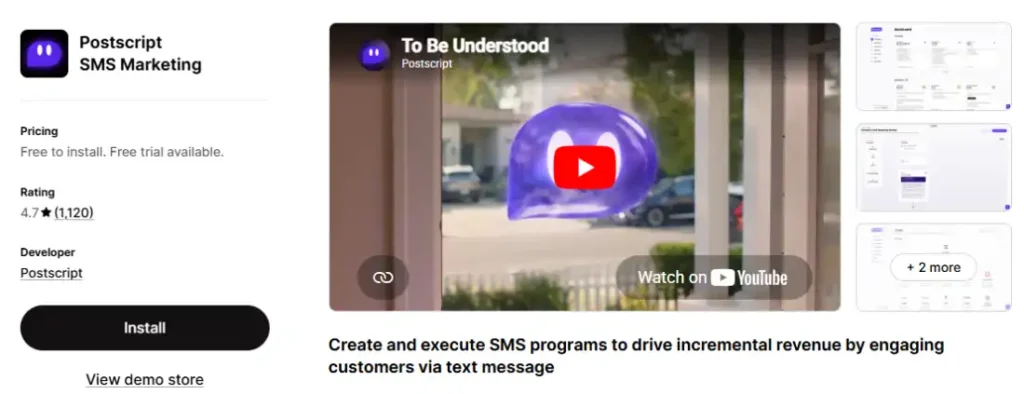
Once SMS becomes a serious revenue channel rather than an add-on to your email platform, Postscript is worth evaluating as a dedicated tool rather than relying on Klaviyo’s or Omnisend’s built-in SMS. It’s purpose-built for ecommerce SMS with deep Shopify data (cart contents, order history) baked into every automated flow, and it holds a strong reputation for support quality among agencies managing SMS for multiple Plus brands.
Pricing is usage-based and requires a quote, which reflects the reality that SMS costs scale directly with send volume and carrier fees. It’s worth the evaluation call once your SMS list and campaign volume are large enough that a dedicated platform’s deeper segmentation and deliverability tooling would measurably outperform an email platform’s SMS bolt-on.
Key Features
Ecommerce-specific SMS flows: Pre-built automations for abandoned cart, welcome, and post-purchase texts built around Shopify order and cart data.
Two-way conversational texting: Customers can reply to marketing texts and reach a real support conversation, not just a one-way broadcast.
Deliverability management: Actively manages carrier compliance and sending reputation to keep message deliverability high at volume.
Segmentation by purchase behavior: Build SMS segments from order history and browsing behavior, not just opt-in status.
Pricing
Usage-based pricing, requires a custom quote based on SMS volume.
All-in-One Bundles: A Situational Category, Not a Default
Vitals: Best for Consolidating Many Small Conversion Tools
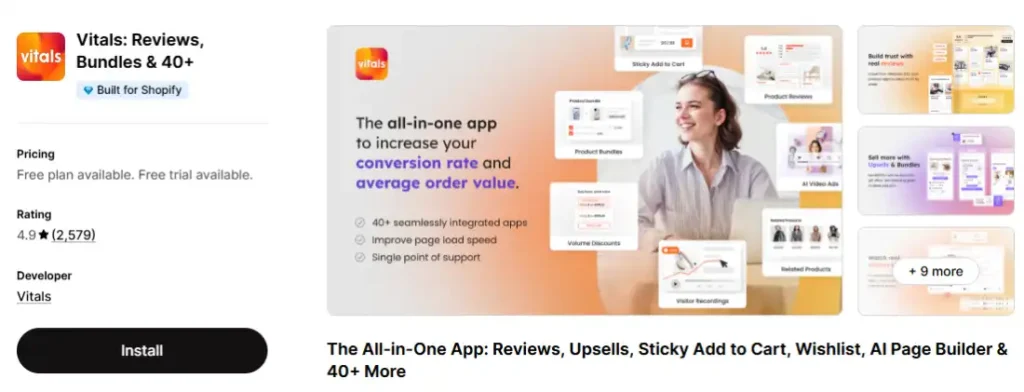
Vitals bundles more than 40 conversion tools, product reviews, bundles, sticky add-to-cart, wishlist, trust badges, currency conversion, and more, into a single app with one dashboard and one support team. The pitch is real: instead of running 6 to 10 separate apps with separate billing and separate scripts, you run one.
The tradeoff is also real. Building 40+ features well requires the engineering depth of 40+ dedicated teams, so individual features are typically shallower than a purpose-built competitor in that category.
There’s no free plan, only a 30-day trial, and several merchants have reported unexpected usage-based charges added on top of the flat monthly fee, with limited transparency about what triggers them. Confirm current billing terms directly before installing, and check whether you’re actually using enough of the 40+ features to justify replacing dedicated apps.
Key Features
40+ bundled conversion tools: Product reviews, bundles, sticky add-to-cart, wishlist, trust badges, currency conversion, and more in one install.
Single dashboard: Toggle any of the 40+ features on or off from one interface, without separate app installs or theme integrations.
Session recordings: Watch real visitor sessions to spot friction points and bugs in your storefront.
One support team: A single point of contact covers every bundled feature, instead of juggling support tickets across many app vendors.
Pros
- Genuinely consolidates what would otherwise be 6 or more separate app subscriptions and dashboards into one, which simplifies both your bill and your support relationships.
- Fast to set up, with all features toggled from a single interface and no per-feature theme integration required.
Cons
- Individual features are shallower than dedicated single-purpose apps in the same category, since one team builds and maintains all 40+ modules.
- Reports of unexpected usage-based charges beyond the flat monthly fee are common enough in App Store reviews that billing terms deserve direct confirmation before installing.
Who It’s Best For
Stores that would otherwise be installing 5 or more small conversion apps (sticky cart, trust badges, wishlist, bundles) and want one dashboard instead. It’s the wrong fit if you only need one or two of the 40+ features, since a dedicated single-purpose app in that category is usually cheaper and deeper.
Pricing
No free plan; a 30-day free trial is available. Paid plans start at $29.99/month (Hobby), rising to $49.99/month (Growth) and $89.99/month (Pro).
Apps and Habits to Skip or Delay
Installing an All-in-One Bundle Before You Know What You Need
Bundling 40+ features into one app only saves money if you’re actually using a meaningful number of them. A store installing Vitals for a single sticky add-to-cart button is paying bundle pricing for a single-feature need that a dedicated free or low-cost app would cover directly.
Running Two Apps in the Same Category
Judge.me and Loox both do reviews.
Smile.io and LoyaltyLion both do points and VIP tiers.
Running two apps with overlapping functionality creates duplicate widgets, conflicting scripts, and confusing analytics about which tool actually drove a result. Pick one app per job and commit to it.
Paying for Features Shopify’s Theme Editor Already Does
Countdown timers, sticky add-to-cart buttons, and announcement bars are frequently sold as $5 to $15/month apps, but most can be built directly into a theme using Shopify’s theme editor or a small amount of custom CSS, at zero ongoing cost. Before installing a paid app for a simple visual feature, check whether your current theme already supports it natively.
Enterprise Loyalty Tiers Before You Have Repeat-Purchase Volume
Smile.io’s Growth plan at $199/month and LoyaltyLion’s Classic plan at the same price point unlock VIP tiers and points expiry, features that only matter once you have enough repeat customers to segment into tiers. A store doing under 200 orders a month gets no measurable benefit from VIP segmentation and should stay on a free or entry-level tier until order volume justifies the upgrade.
How to Choose the Right App Stack for Your Store’s Stage
The honest framework has less to do with which apps are objectively best and more to do with matching each app to the store stage where it can actually prove its value. Installing the advanced version of a tool before you have the data to use it well rarely pays for itself faster than starting simple would have.
At the starter stage, before you have consistent order history, install only what’s functionally required: a reviews app (since Shopify no longer ships one natively), free live chat, image optimization, and order tracking. Everything else can wait.
At the growing stage, once you have a few months of order and customer data, add tools that use that data: email marketing with real segmentation, a page builder if you’re running paid traffic to dedicated pages, a helpdesk once support volume outpaces Inbox, and a loyalty program once your repeat-purchase rate justifies it.
At the scaling stage, revisit every app in your stack. Flat-fee tools that were perfect at low volume may now be worth replacing with deeper, purpose-built platforms, especially in subscriptions and loyalty, where percentage-based or higher-tier pricing structures start to make more sense against the value they unlock.
The Shopify’s transaction fees breakdown covers how app costs factor into total cost of ownership at each revenue level.
The rule that doesn’t change at any stage: install an app because you have a specific, current need for it, not because a roundup article called it a must-have.
FAQ’s
How many apps should a Shopify store run?
Most healthy Shopify stores run 5 to 10 active apps at a time, covering reviews, email marketing, and one or two conversion tools specific to the catalog.
Past that range, page speed impact and monthly app costs typically start outweighing the benefit of each additional app.
Do Shopify apps slow down my store?
Yes. Every installed Shopify app adds JavaScript that loads on the storefront, even when the app’s feature isn’t actively used on a given page, and page builders or all-in-one bundles cause the largest measurable slowdown.
What’s the best free Shopify app for a brand-new store?
Judge.me is the best free Shopify app for a new store, since Shopify has no native product reviews feature and Judge.me’s free plan is fully functional rather than a limited trial.
Shopify Inbox is the strongest second free pick for handling pre-purchase questions.
Do I need a subscription app if I’m not selling subscriptions yet?
No. Subscription apps like Recharge and Seal Subscriptions charge fees that only make financial sense once real subscription volume exists, so add one at the point of launching an actual recurring product, not before.
What’s the difference between Klaviyo and Omnisend for Shopify?
Klaviyo offers deeper customer segmentation and a larger integration ecosystem, while Omnisend is faster to set up and cheaper for a new store’s first few months.
Both integrate natively with Shopify and offer free tiers around 250 contacts, but Klaviyo’s pricing climbs faster as the list grows.
Smile.io or LoyaltyLion for loyalty?
Smile.io fits most growing Shopify stores, with a genuinely usable free tier under 200 monthly orders.
LoyaltyLion is built for Shopify Plus brands running loyalty across multiple channels at once, at a meaningfully higher entry price.
Can I switch page builders or reviews apps later without losing data?
Yes for reviews apps: Judge.me and most competitors offer migration tools that import existing reviews with ratings and photos preserved.
Page builders are more disruptive, since pages built in one generally don’t transfer to another and need to be rebuilt.
Final Thoughts
The Shopify App Store’s size is not a feature. Most of the value in this ecosystem comes from choosing a small number of apps that match exactly where your store is right now, not from installing everything a roundup article recommends, and that’s true whether the roundup lists 15 apps or 50.
Start at the starter stage with a reviews app, free live chat, image optimization, and order tracking. Add email marketing, a page builder, a helpdesk, and a loyalty program once you have the order history to make them worth the cost.
Revisit your stack again at scale, since the tools that were right at launch aren’t always the tools that are right at $50,000 a month.
If you’re still deciding whether Shopify is the right platform for your store before worrying about which apps to add, the Shopify’s transaction fees breakdown and is Shopify worth it guide will help you make that foundational decision first.