
PrestaShop’s core software costs nothing to download, and that number is doing a lot of quiet work in every pricing comparison you’ve probably read.
It’s technically true and practically misleading at the same time.
A real, working store needs more than the core install. Payment methods your customers actually recognize, shipping logic that matches how you really ship, basic SEO controls the platform doesn’t fully cover on its own, and a way to keep pages loading fast without a built-in CDN.
None of that comes free once you move past a bare-bones demo store, and the modules that close these gaps typically run €70 to €300 each once you factor in the ones actually worth installing.
This guide covers 9 add-ons across six categories that genuinely earn a place in a real store: payment, SEO, checkout, shipping, performance, and reviews.
For each one, you get what it actually does, real pros and cons, what it costs, and exactly what you need before you install it.
At the end, there’s a realistic first-year add-on budget, the number most pricing pages skip entirely because it doesn’t fit neatly on a comparison chart.
Table of Contents
Key Takeaways
- PrestaShop’s native payment tools cover PayPal and a unified checkout by default, but most stores still need at least one dedicated card processor for embedded, on-page payment.
- PrestaShop 9 improved native URL and redirect controls, but sitemap generation and canonical tag management still need a dedicated module.
- There is no built-in caching layer beyond basic Smarty template caching, so a real performance module matters more here than on a managed platform.
- PrestaShop’s default product comments module is free but minimal: no automated review request emails, no rich snippet schema, no multi-platform aggregation.
- Every add-on in this guide has a real, stated limitation. None of them are presented as a complete fix on their own.
- A realistic first-year add-on budget for a small store lands between €500 and €1,200, well short of the €3,000-plus a fully loaded build can reach.
Quick Reference: 9 Add-ons Worth Considering
| Add-on | Category | Price | Best For |
|---|---|---|---|
| PayPal Official | Payment | Free | Broad customer recognition, official integration |
| Stripe official (SCA-ready) | Payment | Free | Embedded, on-page card checkout |
| PrestaShop Checkout | Payment | Free | One native flow covering multiple payment methods |
| SEO Audit | SEO | Confirm on listing | Sitemap, redirects, canonical tags, and robots.txt in one module |
| One Page Checkout | Checkout | Confirm on listing | Reducing cart abandonment with a single-page flow |
| Shipping Configurator Pro | Shipping | Around €80 to €100 | Table-rate shipping by weight and price together |
| Shipping Cost Plus | Shipping | Confirm on listing | Conditional shipping rules by cart weight or volume |
| Super Speed | Performance | €140 one-time | Bundled caching, compression, and image optimization |
| Store & Product Reviews | Reviews | Confirm on listing | Verified reviews with star ratings and rich snippet support |
Prices marked confirm on listing were not consistent to a single figure across sources for this pass. Current pricing sits directly on each add-on’s own listing, linked above and in every profile below.
Payment: PayPal Official
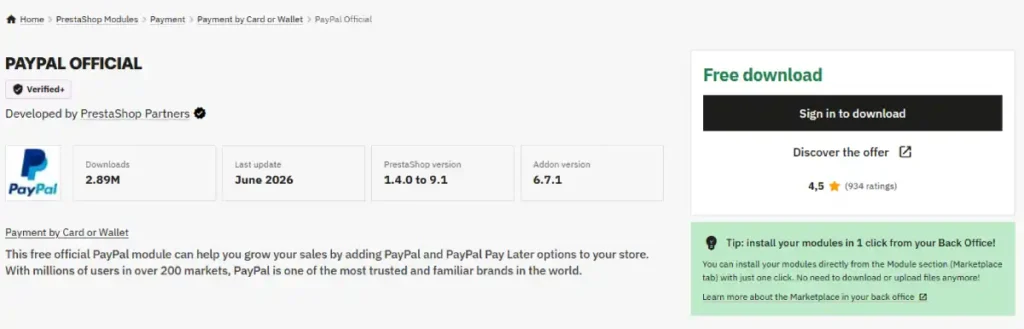
Why this category needs solving: PrestaShop’s core install gives you a working store shell, but real conversion depends on offering the specific payment methods your actual customers already trust.
What it is: PrestaShop’s official PayPal integration, connecting your store directly to PayPal’s checkout and balance payment infrastructure.
Pros:
- Official, vendor-maintained rather than a third-party wrapper
- Broad recognition, many customers already have an account
- Supports Pay in 4 installments at no extra setup cost
Cons:
- Standard PayPal processing fees apply on top of hosting, ongoing per transaction
- Checkout can redirect off-site depending on configuration, which some stores find reduces conversion
Setup requirements:
- An active PayPal Business account
- PrestaShop 1.7.x, 8.x, or 9.x
- Back-office admin access to install and enable modules
How to use it:
- Go to Modules, then Module Catalog, and search for PayPal Official
- Install it and connect your live PayPal business account credentials
- Enable the module and save your settings
- Run a real test transaction before going live
Why we recommend it: Wide enough recognition that most stores benefit from offering it, even alongside a dedicated card processor.
Price: Free.
Payment: Stripe Official (SCA-Ready)
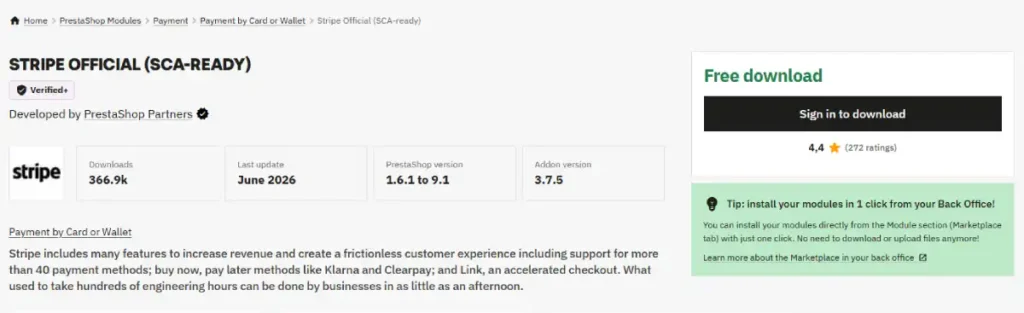
Why this category needs solving: Card-first customers, and international buyers using region-specific methods, often convert better on a fully embedded checkout than a redirect-based one.
What it is: PrestaShop’s official Stripe integration, supporting more than 25 payment methods through a single embedded checkout.
Pros:
- Official, vendor-maintained extension
- Fully embedded checkout, no redirect to an external page
- PSD2 Strong Customer Authentication compliant by default
Cons:
- Standard Stripe processing fees apply per transaction
- Configuration for less common regional payment methods can take real setup time
Setup requirements:
- An active Stripe account with API keys generated
- PrestaShop 1.7.x, 8.x, or 9.x
- HTTPS enabled on your store domain for secure checkout
How to use it:
- Go to Modules, then Module Catalog, and install Stripe official (SCA-ready)
- Connect your Stripe account API keys in the module settings
- Choose which of the 25-plus payment methods to enable
- Test a live transaction, including a 3D Secure flow, before launch
Why we recommend it: It closes the embedded-checkout gap PayPal alone leaves open, and card-first customers notice the difference.
Price: Free.
Payment: PrestaShop Checkout Built With PayPal
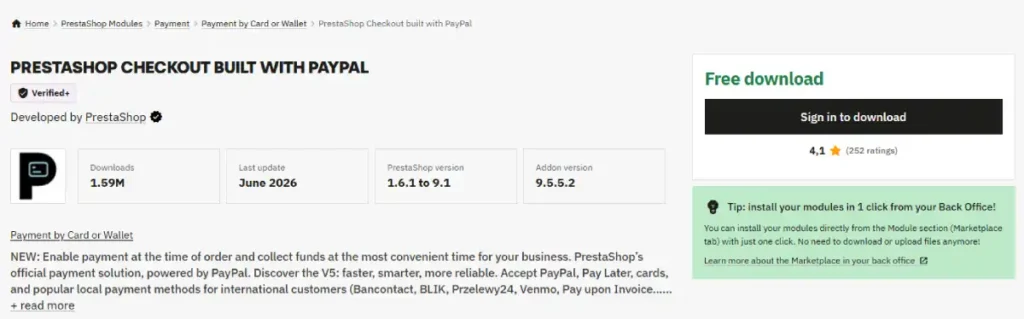
Why this category needs solving: Running multiple separate payment modules can mean multiple separate settings screens and inconsistent checkout behavior across methods.
What it is: A native, unified checkout module that consolidates several payment types, cards, PayPal, and more, into a single configuration and flow.
Pros:
- One settings screen instead of several separate payment modules
- Built and maintained by PrestaShop itself
- Reduces the chance of conflicting checkout behavior between methods
Cons:
- Less granular control than running dedicated, separate modules per processor
- Newer merchants report a learning curve around its specific settings structure
Setup requirements:
- A business bank account for payout setup
- PrestaShop 1.7.x, 8.x, or 9.x
- No other conflicting all-in-one payment module active at the same time
How to use it:
- Go to Modules, then Module Catalog, and install PrestaShop Checkout
- Follow the guided setup to connect your business payment details
- Choose which payment methods to expose at checkout
- Test each enabled method with a real transaction
Why we recommend it: For stores that want fewer moving parts in their payment stack, this consolidates without sacrificing method variety.
Price: Free.
SEO: SEO Audit
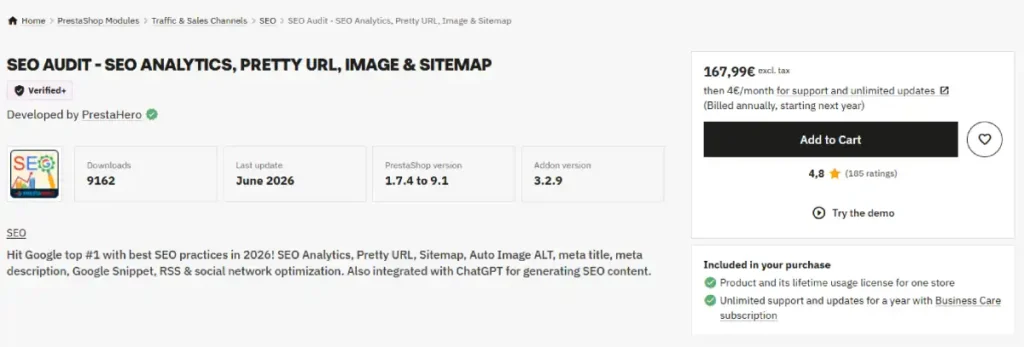
Why this category needs solving: PrestaShop 9 improved native URL and redirect tools, but automated sitemap generation and canonical tag management to prevent duplicate content still need a dedicated module.
What it is: An on-page SEO module combining friendly URL cleanup, old-URL redirects, canonical URL control, a dynamic paginated sitemap, and a customizable robots.txt in one install.
Pros:
- Covers several real, separate SEO gaps, redirects, canonical tags, sitemap, robots.txt, in one install rather than several purchases
- Dynamic, paginated sitemap handles large catalogs without generating one unwieldy XML file
- Old URLs with IDs redirect automatically to clean URLs, preserving existing backlinks and rankings
Cons:
- Overlaps partly with PrestaShop 9’s improved native redirect tools, so confirm what your version already covers before buying
- Canonical tag logic still needs manual review on a complex, multi-category catalog
Setup requirements:
- PrestaShop version compatibility confirmed on the module listing before purchase
- FTP or back-office access to install and configure
- A current XML sitemap submitted to Search Console once generated
How to use it:
- Purchase and install the module through Modules, then Module Catalog
- Configure sitemap generation frequency and confirm all languages and stores are included
- Set up redirect rules for any recently changed or removed URLs
- Verify canonical tags are resolving correctly on category and filtered product pages
Why we recommend it: It closes several separate, confirmed native gaps in one install instead of stitching together multiple single-purpose modules.
Price: Paid, current price on the listing; comparable all-in-one SEO modules for PrestaShop typically run €40 to €80.
Checkout: One Page Checkout
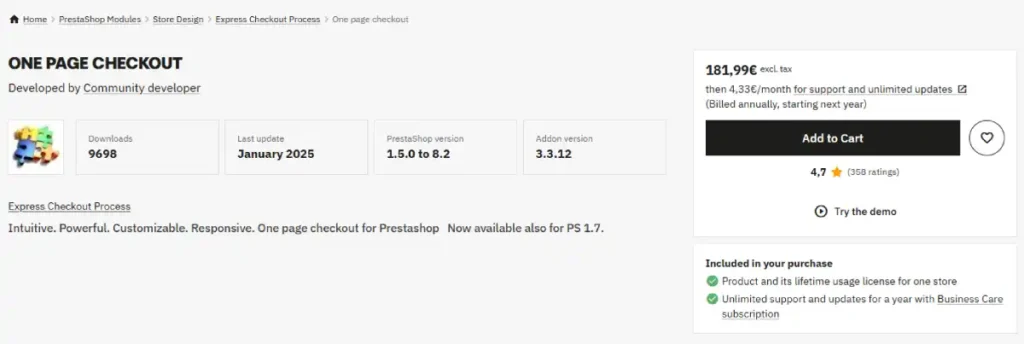
Why this category needs solving: PrestaShop’s default checkout flow spans multiple steps, and every extra step is a real, measurable opportunity for cart abandonment.
What it is: A checkout module that consolidates the entire purchase flow onto a single page, removing the multi-step default.
Pros:
- Fewer page loads between cart and completed order
- Compatible with PrestaShop’s native and third-party payment modules
- Configurable layout options for different store types
Cons:
- A single dense page can overwhelm some customers compared to a guided multi-step flow
- Requires testing against every payment module you run to confirm compatibility
Setup requirements:
- PrestaShop version compatibility confirmed on the module listing before purchase
- Every active payment module tested against the new single-page layout
- A staging environment recommended before deploying to a live checkout
How to use it:
- Install the module through Modules, then Module Catalog
- Choose a layout matching your store’s checkout needs
- Confirm compatibility with each payment module currently enabled
- Test the full purchase flow on both desktop and mobile before launch
Why we recommend it: Reducing checkout friction is one of the highest-leverage, lowest-risk changes a store can make.
Price: Paid, current price on the listing; comparable checkout modules typically run €60 to €120.
Shipping: Shipping Configurator Pro
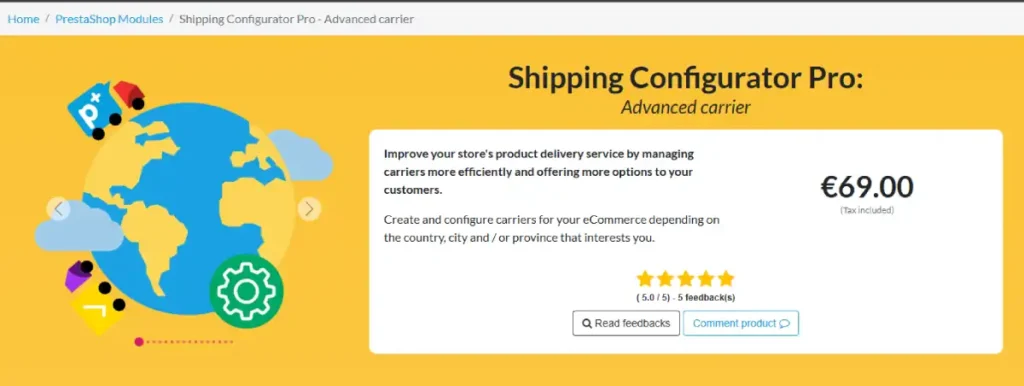
Why this category needs solving: PrestaShop’s built-in carrier rate tables work by weight or by price, not both at once, which is not how most real shipping costs actually scale.
What it is: A shipping module that lets you configure rates by weight and price simultaneously, plus assign carriers by country, city, province, or customer group.
Pros:
- Solves a specific, confirmed limitation in PrestaShop’s native rate tables
- Location-based carrier assignment down to city and province level
- Responsive design, works across device types for the store owner’s back office use
Cons:
- Configuration complexity rises quickly with a large number of countries or carrier combinations
- Some compatibility notes with other checkout modules should be confirmed before purchase
Setup requirements:
- A defined carrier list with real shipping rates by weight or price
- PrestaShop version compatibility confirmed on the module listing before purchase
- GeoNames-based city and province data for location-based rules
How to use it:
- Install through Modules, then Module Catalog
- Set up carriers, then assign countries, cities, and provinces to each
- Configure price and weight ranges together for each carrier
- Test checkout from addresses in your top shipping destinations to confirm accurate rates
Why we recommend it: It fixes a real, specific gap in native shipping logic rather than just adding another generic carrier option.
Price: Paid, around €80 to €100 based on current third-party review data.
Shipping: Advanced Shipping Cost Plus
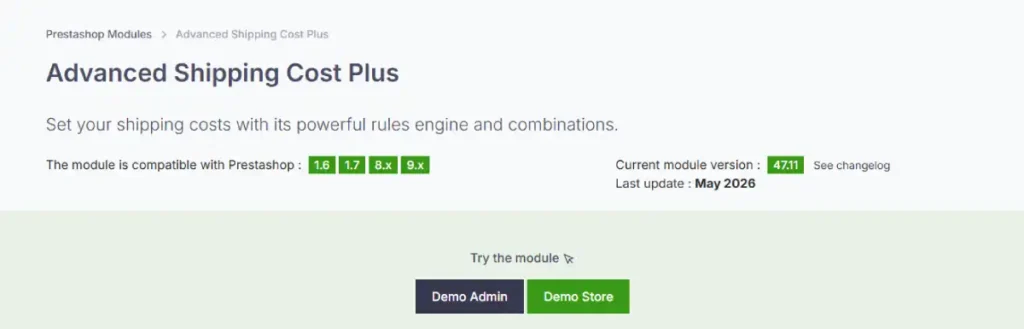
Why this category needs solving: Flat or simple weight-based shipping breaks down fast once a catalog includes oversized, heavy, or fragile items needing special handling.
What it is: A conditional shipping rules module that adjusts cost based on cart weight, volume, or specific product and carrier combinations.
Pros:
- Handles volumetric weight calculations automatically for carriers like DHL and FedEx
- Can hide specific carriers automatically when cart conditions exceed their limits
- Rule-based logic covers edge cases flat shipping tables cannot
Cons:
- Meaningful setup time required to configure rules correctly for a varied catalog
- Best suited to stores with genuinely irregular shipping needs, overkill for a simple, uniform catalog
Setup requirements:
- Accurate product weight and dimension data already entered in the catalog
- PrestaShop version compatibility confirmed on the module listing before purchase
- A clear list of edge-case products needing custom shipping rules
How to use it:
- Install through Modules, then Module Catalog
- Define your first rule based on the condition that matters most, weight, volume, or carrier
- Add product-specific overrides for oversized or fragile items
- Test cart scenarios at your weight and volume thresholds to confirm rules trigger correctly
Why we recommend it: For catalogs with genuinely irregular shipping needs, this is the module that keeps rates accurate instead of approximate.
Price: Paid, current price on the listing.
Performance: Super Speed
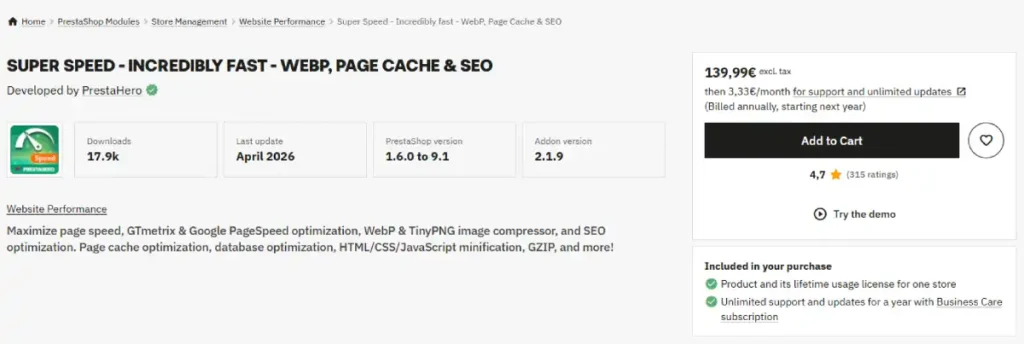
Why this category needs solving: PrestaShop has no built-in CDN and only basic Smarty template caching, so real performance gains depend entirely on what you configure yourself.
What it is: A bundled performance module combining page, server, and browser caching, image compression through WebP and TinyPNG, database cleanup, lazy loading, and code minification.
Pros:
- Bundles nearly every major speed optimization into one tool instead of stacking several modules
- Includes Cloudflare cache clearing for stores already using that CDN
- Confirmed compatibility with PrestaShop 9.x and PHP 8.4
Cons:
- €140 one-time cost plus an ongoing annual renewal is a real, recurring line item
- Caching misconfiguration can occasionally serve stale content if rules are not tested carefully after major catalog changes
Setup requirements:
- PrestaShop 9.x and PHP 8.4 for full compatibility, per the module’s current changelog
- Server-level write access for cache file generation
- A full site backup before enabling caching on a live store
How to use it:
- Purchase and install through Modules, then Module Catalog
- Enable page, server, and Smarty cache together for the fullest effect
- Turn on image compression and lazy loading for your product catalog
- Clear all caches and spot-check key pages after any major theme or catalog update
Why we recommend it: It targets the exact structural gap, no native caching layer, that most directly affects real page speed on a self-hosted platform.
Price: €140 one-time, with a renewal of roughly €3.33 a month billed annually.
Reviews: Store & Product Reviews
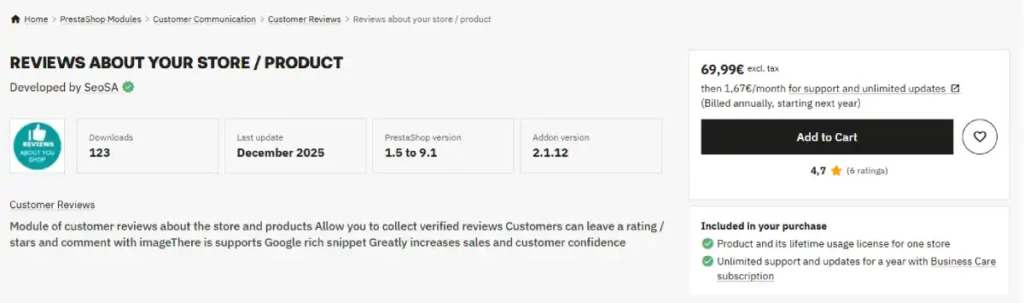
Why this category needs solving: PrestaShop’s default product comments module is free but limited: no automated post-purchase review request emails, no rich snippet schema, and no aggregation from external review platforms.
What it is: A customer review module covering both store-level and product-level reviews, with star ratings, written comments, and support for Google rich snippet schema.
Pros:
- Rich snippet schema directly addresses the native module’s biggest search-visibility gap
- Covers both store reviews and individual product reviews in one module
- Collects verified reviews tied to real customer orders, reducing fake or spam submissions
Cons:
- Still lacks automated post-purchase review request emails, a genuine gap this module does not close
- Rich snippet configuration needs to be set up correctly to actually show in search results, it does not appear automatically
Setup requirements:
- PrestaShop version compatibility confirmed on the module listing before purchase
- Existing customer order data to attach verified reviews to
- A structured data testing tool ready to validate schema after setup
How to use it:
- Install through Modules, then Module Catalog
- Enable store and product reviews, and confirm rich snippet schema is generating correctly
- Set your rating criteria and moderation preferences for incoming reviews
- Validate the schema markup with a structured data testing tool before considering it done
Why we recommend it: It closes the specific, confirmed gap in PrestaShop’s native review tools without requiring a separate, more expensive dedicated reviews platform.
Price: Paid, current price on the listing; comparable review modules for PrestaShop typically run €50 to €100.
A Realistic First-Year Add-on Budget
Most pricing pages quote PrestaShop as free and stop there. Here is what a small store realistically spends on add-ons in year one, based on the modules in this guide.
| Category | Realistic Spend |
|---|---|
| Payment (PayPal, Stripe, PrestaShop Checkout) | €0, all three are free |
| SEO Audit | €40 to €80 |
| One Page Checkout | €60 to €120 |
| Shipping (both modules) | €150 to €250 |
| Super Speed | €140, plus roughly €40/year renewal |
| Store Reviews | €50 to €100 |
| Estimated total, year one | Roughly €440 to €690 |
This lands well under the €500 to €3,000-plus range confirmed across a fully loaded PrestaShop build, since that wider figure includes premium themes, marketing modules, and developer time this guide does not cover.
Treat this table as the add-on floor, not the full cost of running the store.
FAQ’s
What are the most important PrestaShop add-ons to install first?
A dedicated card payment processor alongside PayPal, an SEO module covering sitemaps and redirects, a shipping module matching your actual carrier and rate structure, and a performance module. These close the gaps PrestaShop’s core install leaves open.
Are PrestaShop add-ons free?
Some are, especially official payment integrations like PayPal and Stripe. Most quality add-ons in categories like SEO, shipping, and performance are paid, typically a one-time purchase with an optional annual renewal for updates and support.
Why do I need a shipping add-on if PrestaShop has built-in carrier tools?
Because PrestaShop’s native rate tables work by weight or by price, not both together, which does not match how real shipping costs scale. A dedicated shipping module solves this specific, confirmed limitation.
Does PrestaShop need a caching add-on?
Yes, for real performance. PrestaShop has no built-in CDN and only basic template caching, so meaningful speed gains depend on a dedicated performance module handling page, server, and browser caching together.
How much should I budget for PrestaShop add-ons in year one?
Roughly €440 to €690 for the core add-ons covered in this guide: payment, SEO, checkout, shipping, performance, and reviews. A more heavily customized build with premium themes and marketing tools can run well past €3,000.
Where do I find PrestaShop add-ons?
The official PrestaShop Addons marketplace, linked throughout this guide, is the primary and safest source, since listings show install counts, ratings, and update history you can check before purchasing.
Hosting is the other real, recurring cost most add-on guides skip entirely, and it’s covered directly in our hosting guide.
The full scoring behind PrestaShop’s platform fit sits in our PrestaShop review, and if you’re weighing PrestaShop against a plugin-based alternative, our WooCommerce review covers the platform most often compared against it.
OpenCart owners facing the same decision have their own guide covering the equivalent nine picks for that platform.
Pricing for these add-ons was checked against each listing’s marketplace page and eComGuider’s own PrestaShop cost testing, current as of July 2026.
Confirm current pricing and version compatibility directly on each add-on’s listing before purchasing, since prices and PrestaShop version support change over time.